
Affiliate disclosure: this page contains affiliate links — if you buy through them we may earn a commission at no extra cost to you. As an Amazon Associate we earn from qualifying purchases.
Why Upgrade Your Laptop RAM?
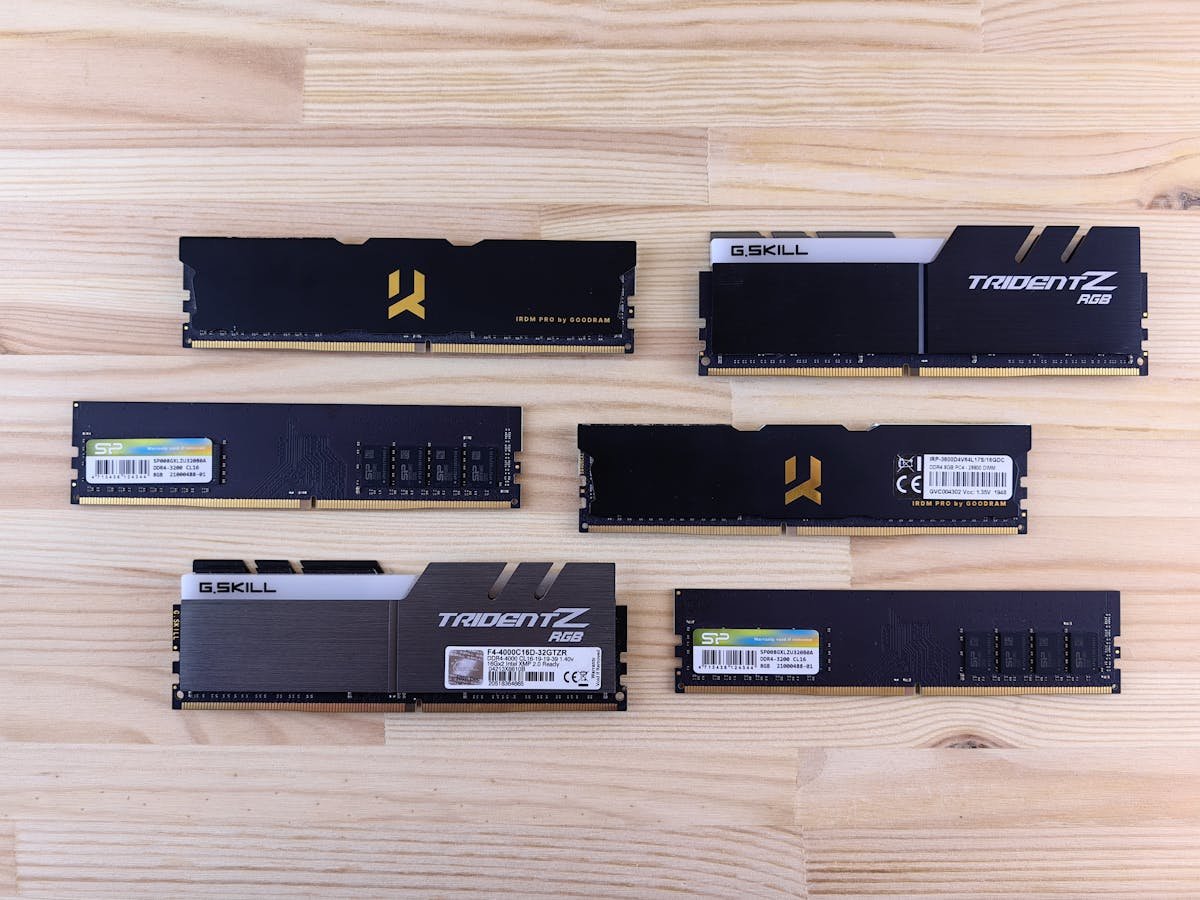
Adding RAM is the most cost-effective laptop upgrade. Going from 8GB to 16GB or 32GB dramatically improves multitasking, reduces lag when switching between apps, and eliminates the sluggishness caused by Windows swapping data to disk.
Best DDR5 SO-DIMM Kits
16GB (1x16GB): Crucial DDR5-5600 — £25-30. 32GB (2x16GB): Kingston Fury Impact DDR5-5600 — £55-65. 32GB (1x32GB): Crucial DDR5-4800 — £50-60 (for laptops with one free slot).
| Kit | Capacity | Buy |
|---|---|---|
| Crucial DDR5-5600 16GB | 1x16GB SO-DIMM | Check Price |
| Kingston Fury Impact DDR5-5600 32GB | 2x16GB SO-DIMM | Check Price |
Best DDR4 SO-DIMM Kits
8GB (1x8GB): Crucial DDR4-3200 — £15-18. 16GB (1x16GB): Crucial DDR4-3200 — £25-30. 32GB (2x16GB): Corsair Vengeance DDR4-3200 — £45-55.
Frequently Asked Questions
How do I know what RAM my laptop needs?
Check your model on our laptop upgrade guides, or use CPU-Z to identify your current RAM type and available slots.
Is it worth upgrading from 8GB to 16GB?
Yes — this is the single most impactful upgrade for most laptop users. It significantly improves multitasking performance.
Recommended upgrades
As an Amazon Associate we earn from qualifying purchases. Prices & availability shown on Amazon.
For laptops and mini PCs that use DDR5 SO-DIMM
For laptops and mini PCs that use DDR4 SO-DIMM
How we verify this guide
We cross-reference compatibility figures against manufacturer specifications where available, official service manuals, and the standards that govern fit — memory type and speed (DDR4 / DDR5 / LPDDR5), maximum supported capacity and slot count, SSD form factor and interface (M.2 2280, NVMe PCIe vs SATA, keying), and charger wattage and connector (USB-C Power Delivery, GaN). We’re explicit about soldered or non-upgradeable parts, prioritise primary sources over retailer listings, and re-verify the data on a regular cycle. More on our method →