Affiliate disclosure: this page contains affiliate links — if you buy through them we may earn a commission at no extra cost to you. As an Amazon Associate we earn from qualifying purchases.
Looking to upgrade the VivoBook 16 (2024)? This guide covers RAM and storage upgrades for the 2024 VivoBook 16 (2024) (Intel Core Ultra 5 125U).
Supports DDR5 SO-DIMM (up to 32GB, 1 slot) and M.2 2280 NVMe PCIe 4.0 (1 M.2 slot).
VivoBook 16 (2024) — Quick Specs
| Specification | Details |
|---|---|
| Processor | Intel Core Ultra 5 125U |
| Memory Type | DDR5 SO-DIMM |
| Max RAM | 32GB |
| RAM Slots | 1 SO-DIMM slot |
| Storage | M.2 2280 NVMe PCIe 4.0 |
| M.2 Slots | 1 |
| Year | 2024 |
RAM Upgrade — VivoBook 16 (2024)
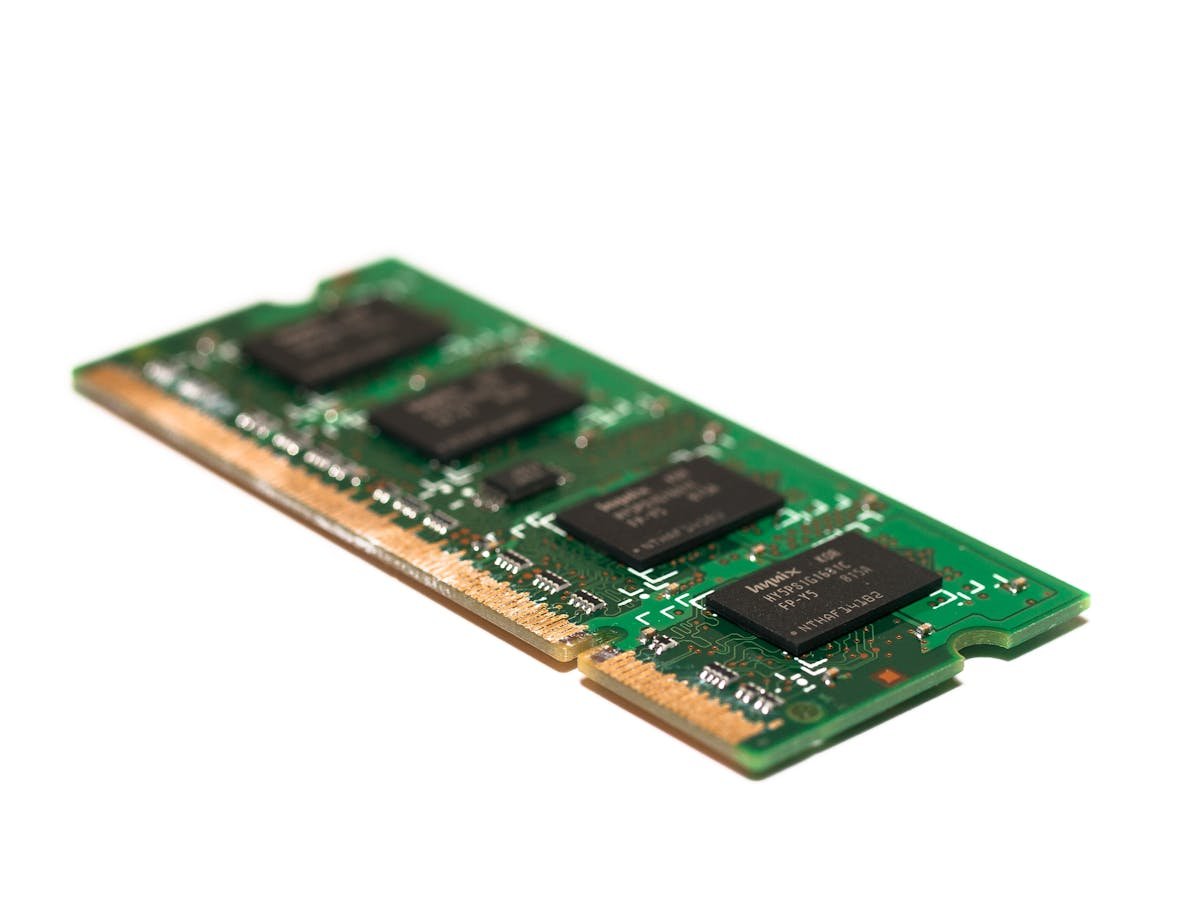
The VivoBook 16 (2024) has 1 SO-DIMM slot supporting DDR5, max 32GB.
Compatible RAM Configurations
| Total | Configuration | Best For | Buy |
|---|---|---|---|
| 8GB | 1x 8GB | Basic tasks | Check Price |
| 16GB | 1x 16GB | Standard use | Check Price |
| 32GB | 1x 32GB | Power user | Check Price |
View Compatible DDR5 SO-DIMM on Amazon
SSD Upgrade — VivoBook 16 (2024)
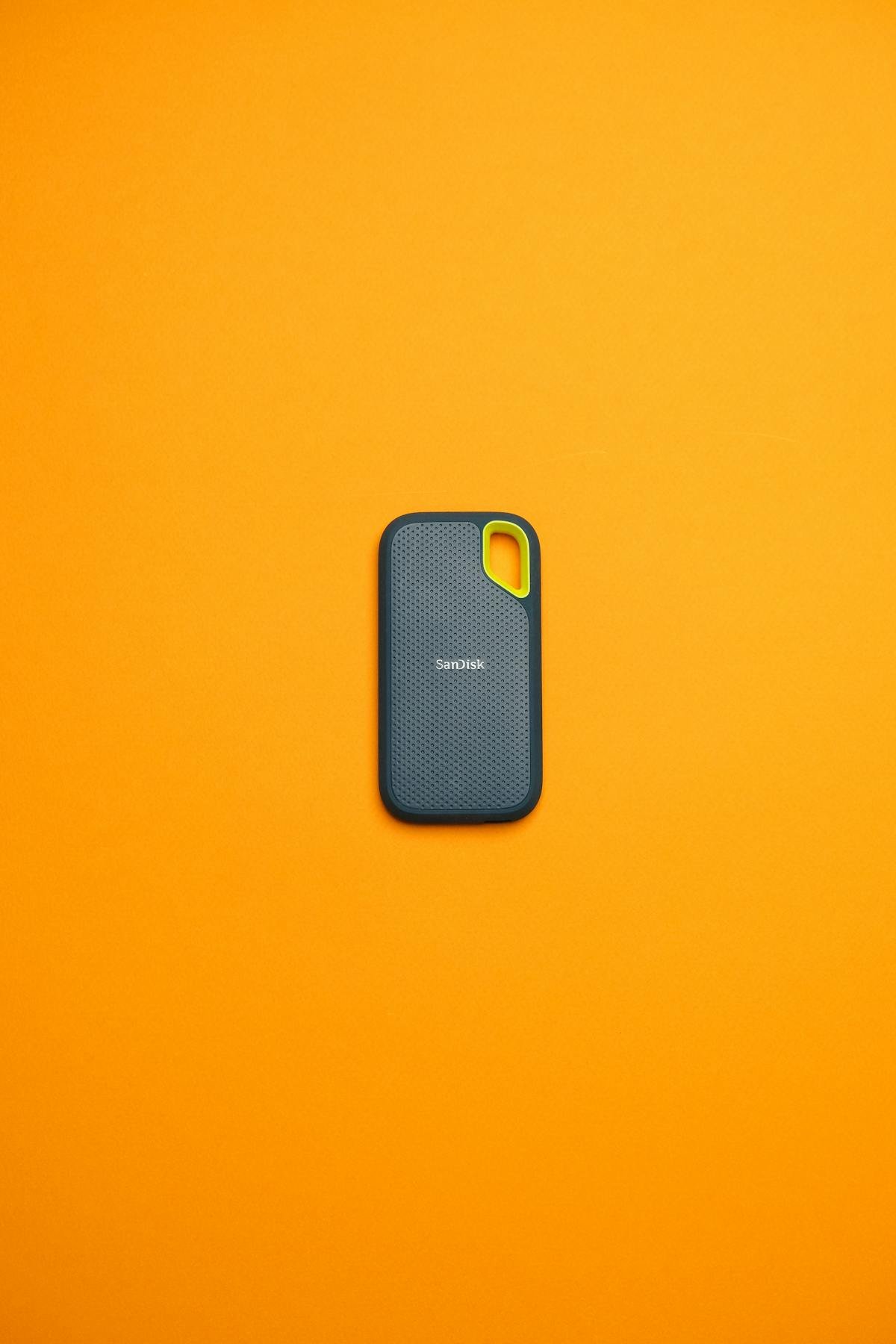
The VivoBook 16 (2024) supports M.2 2280 NVMe PCIe 4.0 with 1 M.2 slot.
Compatible SSD Options
| Capacity | Interface | Best For | Buy |
|---|---|---|---|
| 256GB | M.2 2280 NVMe | Budget | Check Price |
| 512GB | M.2 2280 NVMe | Standard | Check Price |
| 1TB | M.2 2280 NVMe | Recommended | Check Price |
| 2TB | M.2 2280 NVMe | Power user | Check Price |
View Compatible NVMe SSDs on Amazon
Installation Guide — VivoBook 16 (2024)
- Power off, disconnect charger.
- Remove bottom panel.
- Ground yourself.
- RAM: Release clips, insert at angle, press down.
- SSD: Remove screw, swap drive, secure.
- Replace panel.
- Power on, verify in BIOS.
Recommended Products
| Product | Type | Why | Buy |
|---|---|---|---|
| DDR5 SO-DIMM Kit | RAM | Compatible for VivoBook 16 (2024) | View on Amazon |
| M.2 2280 NVMe SSD 1TB | Storage | NVMe upgrade | View on Amazon |
Frequently Asked Questions
What RAM does the VivoBook 16 (2024) use?
DDR5 SO-DIMM, 1 slot, up to 32GB.
Can I upgrade RAM?
Yes, 1 user-accessible SO-DIMM slot, max 32GB.
What SSD is compatible?
M.2 2280 NVMe PCIe 4.0, 1 M.2 slot.
Maximum storage?
4TB (1x 4TB).
Related ASUS Upgrade Guides
- Best RAM for ASUS Laptops 2026
- ASUS ProArt StudioBook 16 OLED (2023) RAM & SSD Upgrade Guide (2023)
- ASUS ProArt StudioBook 16 OLED (2024) RAM & SSD Upgrade Guide (2024)
- ASUS ProArt StudioBook 16 OLED (2022) RAM & SSD Upgrade Guide (2022)
- ASUS ExpertBook B9 (2023) RAM & SSD Upgrade Guide (2023)
- ASUS Upgrade Guide
Not sure what fits? Use our free Compatibility Checker covering 3,195+ models.
Helpful Guides
Recommended upgrades
As an Amazon Associate we earn from qualifying purchases. Prices & availability shown on Amazon.
For laptops and mini PCs that use DDR5 SO-DIMM
For laptops and mini PCs that use DDR4 SO-DIMM
M.2 2280 NVMe SSDs
Free download: The 2026 Laptop RAM Upgrade Compatibility Cheat Sheet
Find out in minutes whether your laptop’s RAM is upgradeable, exactly which DDR4/DDR5/LPCAMM2 stick fits, and how much is worth it. Enter your email and we’ll send the PDF instantly.