
Affiliate disclosure: this page contains affiliate links — if you buy through them we may earn a commission at no extra cost to you. As an Amazon Associate we earn from qualifying purchases.
The most common mistake new PC builders make is buying incompatible RAM or storage. Your motherboard chipset determines which RAM type (DDR4 vs DDR5), speeds, and maximum capacity are supported. Getting this wrong means returning parts and delays.
RAM Compatibility Checklist
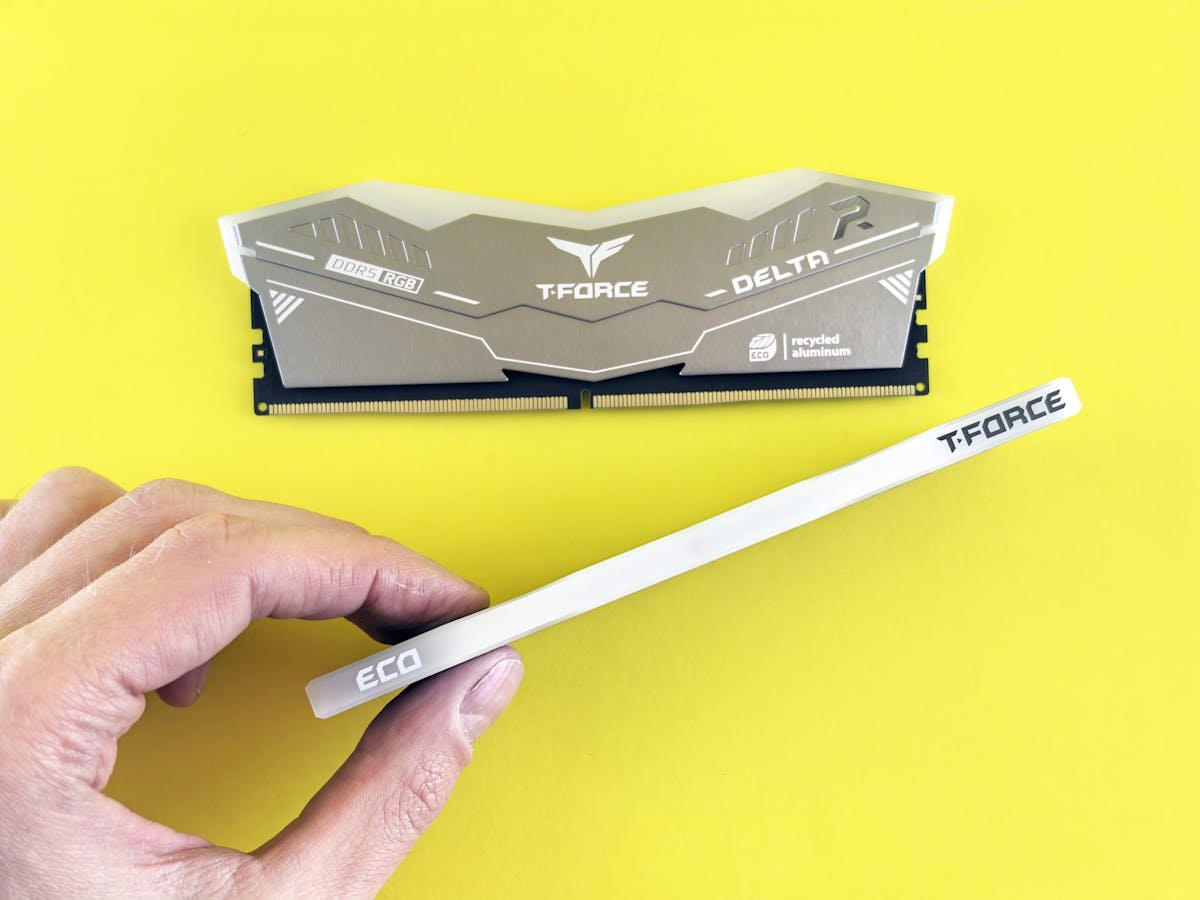
1. Check RAM type — DDR4 and DDR5 are NOT interchangeable. 2. Verify maximum supported speed. 3. Check number of DIMM slots (2 or 4). 4. Note maximum capacity per slot. 5. Always buy a matched kit for dual-channel performance.
Recommended Build Kits
| Budget | RAM | Storage |
|---|---|---|
| Entry (~£80) | 16GB DDR5-5600 | 512GB NVMe |
| Mid (~£150) | 32GB DDR5-6000 | 1TB NVMe Gen4 |
Storage Planning
Modern motherboards have 2-4 M.2 slots. Plan your layout: one fast Gen 4 NVMe for OS and games, optionally a larger drive for media. Check whether M.2 slots share bandwidth with SATA ports.
Frequently Asked Questions
Do I need RAM from the QVL?
Not strictly — most standard RAM works. The QVL guarantees compatibility at rated speeds.
Can I mix RAM brands?
Possible but not recommended. Buy a matched kit for best results.
Recommended upgrades
As an Amazon Associate we earn from qualifying purchases. Prices & availability shown on Amazon.
For laptops and mini PCs that use DDR5 SO-DIMM
For laptops and mini PCs that use DDR4 SO-DIMM
M.2 2280 NVMe SSDs
How we verify this guide
We cross-reference compatibility figures against manufacturer specifications where available, official service manuals, and the standards that govern fit — memory type and speed (DDR4 / DDR5 / LPDDR5), maximum supported capacity and slot count, SSD form factor and interface (M.2 2280, NVMe PCIe vs SATA, keying), and charger wattage and connector (USB-C Power Delivery, GaN). We’re explicit about soldered or non-upgradeable parts, prioritise primary sources over retailer listings, and re-verify the data on a regular cycle. More on our method →