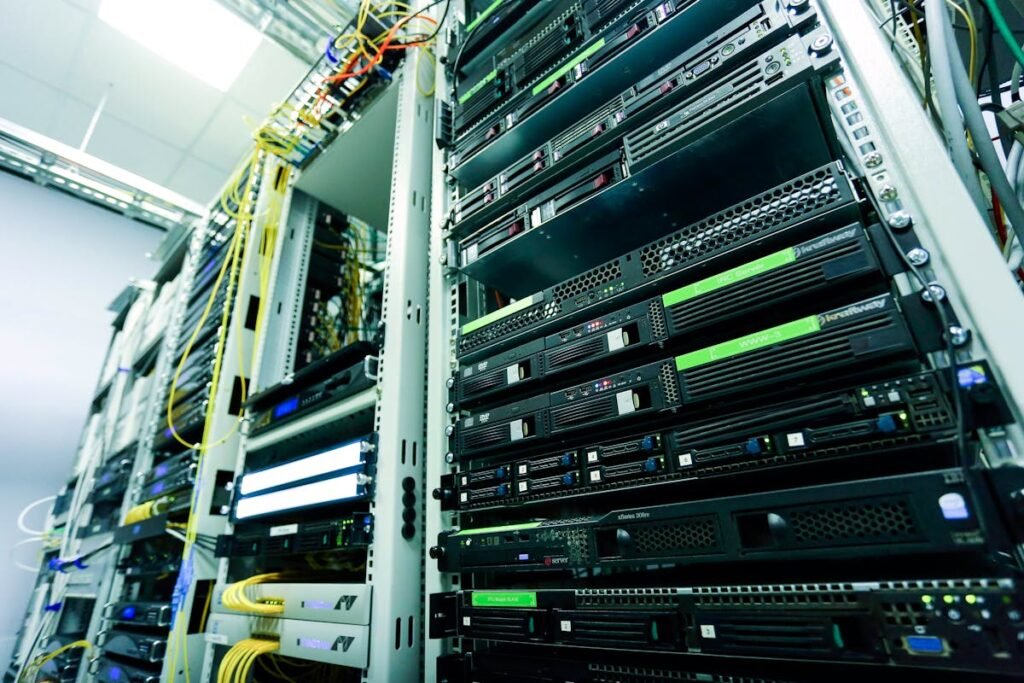
Most NAS devices ship with 2-4GB RAM that limits concurrent users, Docker containers, and VMs. A RAM upgrade is the single best improvement for NAS performance, especially for Plex, surveillance, or development.
NAS RAM Upgrade Steps
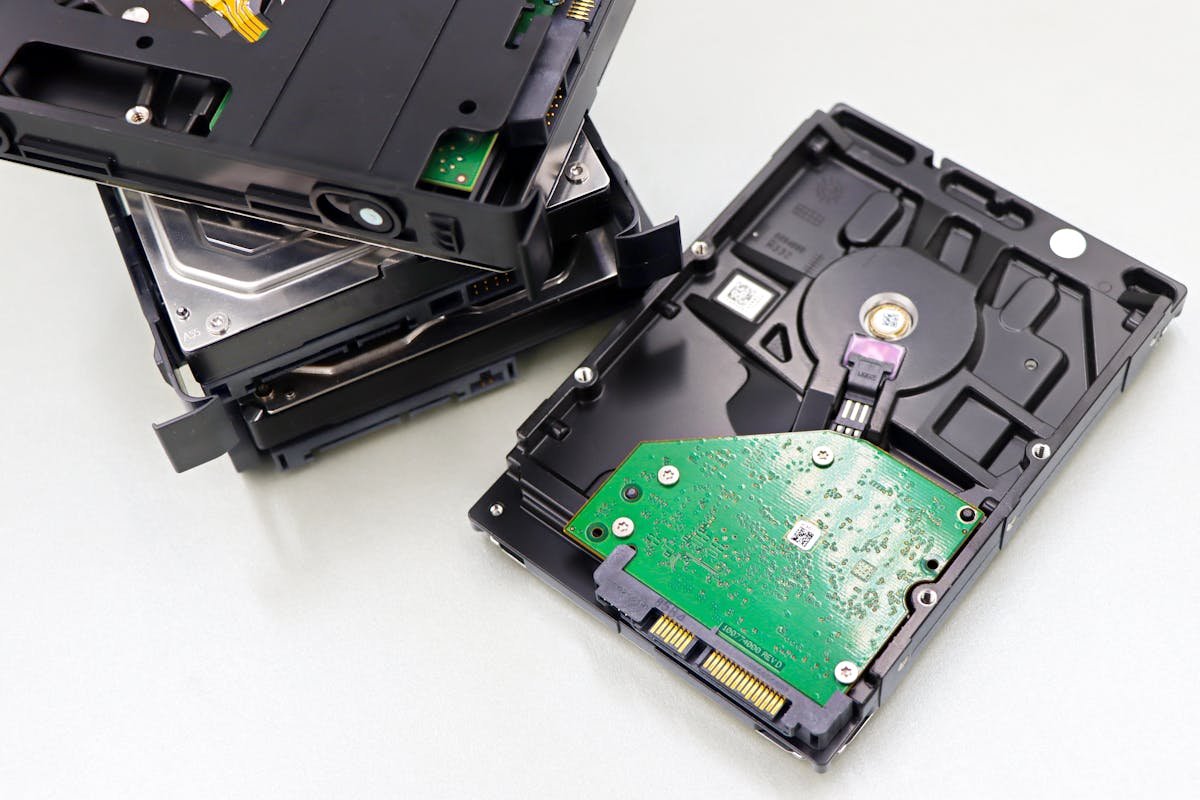
1. Check your model’s max RAM and type (DDR4 SODIMM is most common). 2. Power down completely. 3. Open the RAM access panel. 4. Insert at 30° angle and press until it clicks. 5. Boot and verify in DSM/QTS/ADM.
Compatible RAM
| NAS | RAM Type | Max | Recommended |
|---|---|---|---|
| Synology DS923+ | DDR4 ECC SODIMM | 32GB | Synology D4ES02-4G |
| QNAP TS-464 | DDR4 SODIMM | 16GB | 8GB DDR4-3200 |
NVMe Cache Drives
Most modern NAS have M.2 NVMe slots for SSD caching. Use NAS-rated drives like Seagate IronWolf 525 for high endurance.
Frequently Asked Questions
Will unofficial RAM work in Synology?
Yes — standard DDR4 ECC SODIMM from Crucial, Kingston, Samsung work fine. You’ll see a warning but it functions normally.
Does more RAM improve Plex?
RAM helps with metadata caching. Transcoding depends on CPU. 8GB total is sufficient for Plex alone.