
Affiliate disclosure: this page contains affiliate links — if you buy through them we may earn a commission at no extra cost to you. As an Amazon Associate we earn from qualifying purchases.
Software development in 2026 is more memory-intensive than ever. Between IDEs, Docker containers, local databases, browser tabs for documentation, and build processes, developers can easily saturate 16GB of RAM. This guide covers requirements for every development stack.
RAM by Development Type
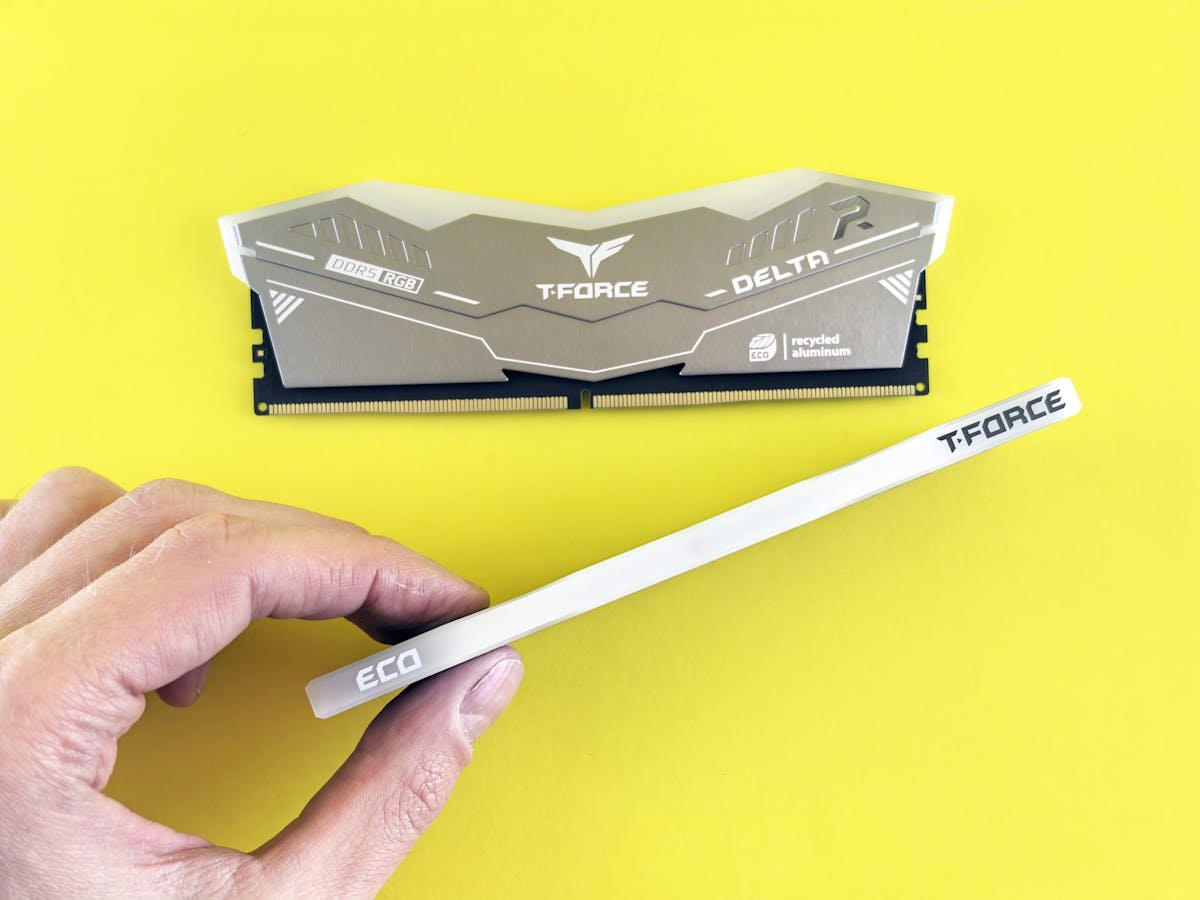
Different development workflows have very different memory needs:
| Development Type | Minimum | Recommended | Key Consumer |
|---|---|---|---|
| Web frontend (React, Vue) | 8GB | 16GB | Node.js, browser dev tools, build tools |
| Web backend (Node, Python, Java) | 16GB | 32GB | Runtime + IDE + database + browser |
| Mobile (Android Studio) | 16GB | 32GB | Android emulator alone uses 4-8GB |
| Mobile (Xcode/iOS) | 16GB | 32GB | Simulator + Xcode indexing is heavy |
| Full-stack with Docker | 16GB | 32GB | Multiple containers + IDE + browser |
| DevOps/Kubernetes local | 32GB | 64GB | Minikube/k3d clusters are memory-hungry |
| Data science/ML | 32GB | 64GB | Jupyter + pandas + model training |
| Game development (Unity/Unreal) | 32GB | 64GB | Engine + editor + asset processing |
| Embedded/IoT | 8GB | 16GB | Lightweight toolchains and debuggers |
IDE & Tool Memory Usage
Common development tools and their typical memory consumption:
| Tool | Typical RAM Usage | Notes |
|---|---|---|
| VS Code | 500MB-2GB | Depends on extensions. TypeScript projects use more |
| IntelliJ IDEA | 1-4GB | Java/Kotlin indexing is memory-intensive |
| Android Studio | 2-6GB | Plus emulator: 2-4GB additional |
| Xcode | 2-5GB | Swift indexing and simulator add up |
| Docker Desktop | 1-2GB base | Plus container memory allocation |
| Chrome (20 tabs) | 2-4GB | Docs, Stack Overflow, testing |
| Slack/Teams | 500MB-1GB | Communication overhead |
| Node.js build | 500MB-2GB | Webpack/Vite/esbuild during compilation |
Docker & VM Considerations
Docker and virtual machines are the biggest RAM consumers for developers:
- Docker Desktop on macOS/Windows uses a VM with configurable memory allocation (default 4GB, increase for multi-container setups)
- Each Docker container allocates memory separately — a 3-container stack (app + DB + cache) can easily use 4-8GB
- Local Kubernetes (minikube, k3d) needs 4-8GB minimum for a functional cluster
- If you regularly run VMs (Vagrant, VirtualBox, WSL2), each needs dedicated memory allocation
- WSL2 on Windows: By default takes up to 50% of system RAM or 8GB, whichever is less. Configure in .wslconfig
- Solution for limited RAM: Use remote dev environments (GitHub Codespaces, Gitpod) to offload to cloud resources
Recommended Products
Ideal for most developers. Handles IDEs, Docker, and browser comfortably.
Check Price on Amazon
Best value for DDR4 development machines. 32GB handles full-stack development with Docker.
Check Price on Amazon
For DevOps, game dev, and ML engineers who run heavy local environments.
Check Price on Amazon
Frequently Asked Questions
Is 8GB enough for web development?
Barely. VS Code + Node.js + Chrome with a few tabs can reach 7-8GB easily. You will experience constant swap pressure and slowdowns during builds. 16GB is the practical minimum for web development in 2026.
How much RAM for Android development?
32GB is strongly recommended. Android Studio (2-4GB) + Android Emulator (2-4GB) + Chrome (2GB) + other tools = 8-12GB minimum. With 16GB you will constantly fight memory pressure. 32GB provides comfortable headroom.
Does compilation speed improve with more RAM?
Yes, if your build process was memory-constrained. Large C++ and Rust projects benefit from enough RAM to keep the entire build in memory. However, compilation speed is primarily CPU-bound — more cores help more than more RAM once you have sufficient capacity.
MacBook Air 8GB for development — is it enough?
For lightweight web development (HTML/CSS/JS, small React projects), it works. For anything involving Docker, Android emulators, large Java projects, or multiple services running locally, you will struggle. 16GB minimum is recommended for professional development.
Recommended upgrades
As an Amazon Associate we earn from qualifying purchases. Prices & availability shown on Amazon.