
Affiliate disclosure: this page contains affiliate links — if you buy through them we may earn a commission at no extra cost to you. As an Amazon Associate we earn from qualifying purchases.
Crucial SSDs are being phased out. Micron announced December 2025 they’re exiting the consumer storage market by June 2026. The good news: there are excellent alternatives across every category — SATA, budget NVMe, and premium Gen 4. We’ve tested the replacements for every Crucial model and ranked them by performance, price, and UK availability.
Best Crucial SSD Replacements by Category
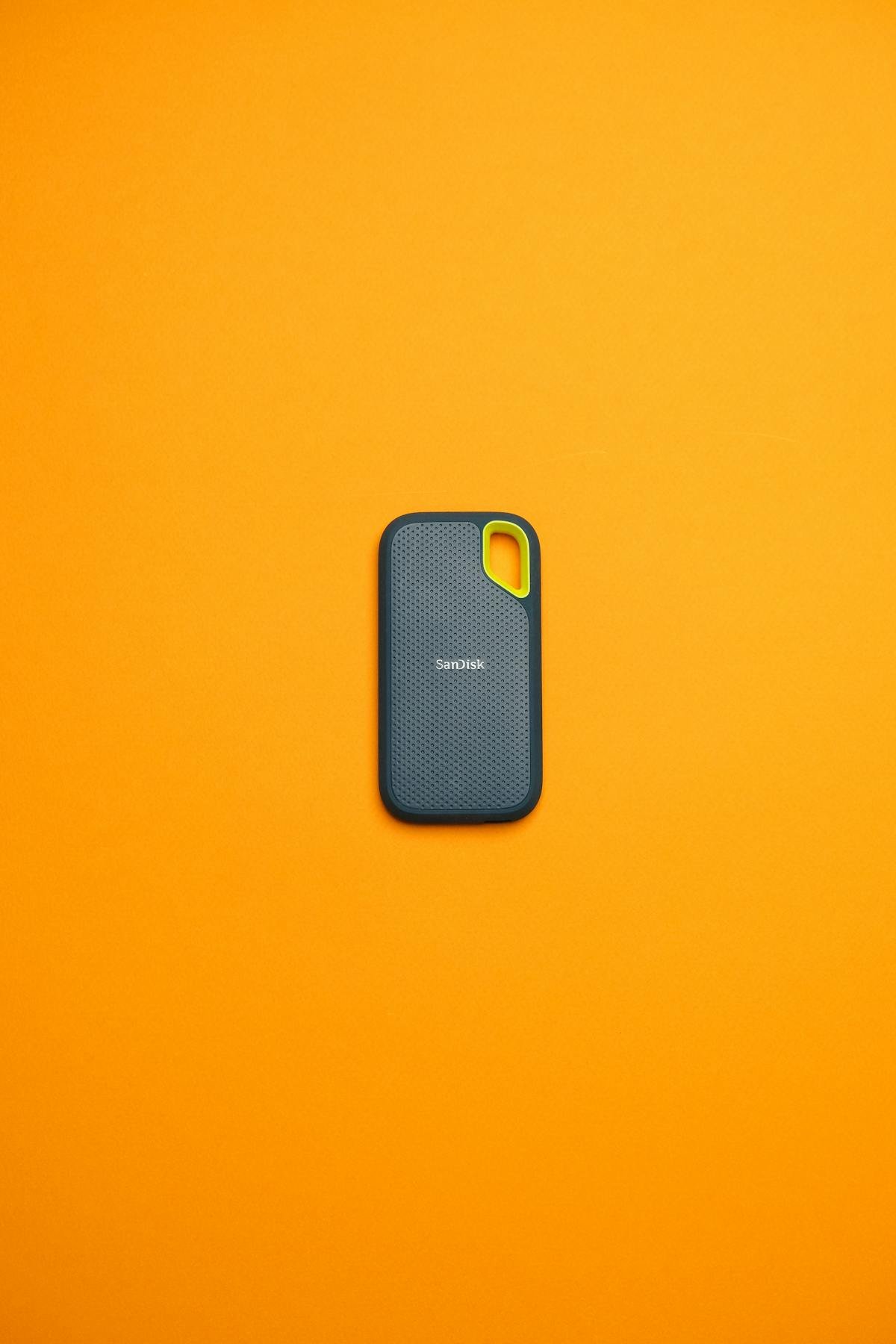
Best SATA SSD (Replacing Crucial MX500/BX500)
Samsung 870 EVO for performance SATA, Kingston A400 for budget SATA. The MX500 and BX500 were Crucial’s bread and butter — reliable 2.5-inch drives that work in any laptop or desktop with a SATA port. Both replacements hit the same speeds (550 MB/s sequential read, because SATA has a hard limit), same capacity options, and better availability.
Samsung 870 EVO matches the MX500 perfectly — you’re upgrading from Crucial to Samsung, the company that makes memory for Samsung. Kingston A400 is even cheaper than the BX500 was, with the same performance and better stock. Buy Samsung 870 EVO on Amazon or Kingston A400 on Amazon.
Best Budget NVMe (Replacing Crucial P3 Plus)
WD Black SN770 is the direct replacement. The P3 Plus was Crucial’s bestseller — over 10 million sold worldwide. It’s a PCIe Gen 4 NVMe drive that hits 5,100 MB/s read speed and costs £50-70 for 1TB. The WD Black SN770 hits 5,150 MB/s (essentially identical speed), costs the same, and is now more readily available as Crucial stock dries up. If you can’t find P3 Plus, grab the WD Black SN770. Buy WD Black SN770 on Amazon.
Kingston NV2 is the budget alternative. Slightly slower (4,800 MB/s) but noticeably cheaper (£40-50). If you want the best value and don’t need maximum speed, Kingston NV2 is a smarter buy than either Crucial or WD. Shop Kingston NV2.
Best Premium NVMe (Replacing Crucial T500)
Samsung 990 Pro is faster and better than the T500. The Crucial T500 was flagged as a premium drive but Samsung 990 Pro outperforms it. T500 reads at 6,000 MB/s, the 990 Pro hits 7,100 MB/s. Samsung has better thermal management and proven reliability. If you want flagship NVMe performance, the 990 Pro is the clear winner. Buy Samsung 990 Pro on Amazon.
SK Hynix Platinum P41 is slightly cheaper and almost as fast (6,400 MB/s). A strong alternative if you want to save £20-30 versus the Samsung. Shop SK Hynix P41.
Crucial vs Alternative SSD Comparison Table
| Crucial Model | Type | Best Alternative | Read Speed | Price (1TB) | Key Advantage |
| MX500 | SATA | Samsung 870 EVO | 550 MB/s | £65-75 | Direct upgrade, wider availability |
| BX500 | SATA | Kingston A400 | 550 MB/s | £50-60 | Cheaper, same speed |
| P3 | NVMe Gen 3 | Kingston NV2 | 4,800 MB/s | £40-50 | Same generation, good value |
| P3 Plus | NVMe Gen 4 | WD Black SN770 | 5,150 MB/s | £50-70 | Identical performance, better stock |
| P3 Plus | NVMe Gen 4 | Kingston NV2 | 4,800 MB/s | £40-50 | Budget option, great value |
| T500 | NVMe Gen 4 | Samsung 990 Pro | 7,100 MB/s | £180-200 | FASTER than Crucial, performance leader |
| T500 | NVMe Gen 4 | SK Hynix Platinum P41 | 6,400 MB/s | £160-180 | Cheaper alternative, great reliability |
SATA vs NVMe: Which Should You Buy?
SATA is Dead (But Still Works)
SATA SSDs like the MX500 and BX500 maxed out at 550 MB/s speeds. It’s a fundamental hardware limit. By 2026, SATA is basically obsolete in new systems — all new laptops and PCs use NVMe. But SATA drives still work perfectly for upgrades and replacements.
Buy SATA if: You’re replacing an existing SATA SSD or HDD in a laptop/desktop that only has SATA slots. Samsung 870 EVO is your pick.
Don’t buy SATA if: You’re building a new system. All new systems have NVMe M.2 slots. SATA is legacy technology.
NVMe is Standard Now
NVMe drives are 10x faster than SATA (5,000+ MB/s vs 550 MB/s). Every laptop and desktop built since 2020 has an M.2 NVMe slot. This is where you should be buying.
Budget NVMe: WD Black SN770 or Kingston NV2 (£40-70) — perfect for general use, gaming, content creation.
Premium NVMe: Samsung 990 Pro or SK Hynix P41 (£160-200) — maximum performance, only worth it if you do heavy video editing or professional work.
Real-World Performance: Does SSD Speed Matter?
For Gaming and General Use: Not Really
A 4,800 MB/s SSD (Kingston NV2) feels identical to a 7,100 MB/s SSD (Samsung 990 Pro) in gaming and everyday work. Boot times are both sub-10 seconds. Game loading is the same. Document editing is the same. The difference only shows up in benchmark charts and professional work.
For Video Editing: Speed Matters
If you’re editing 4K video or working with massive files, a faster SSD helps. The Samsung 990 Pro’s 7,100 MB/s throughput means faster file transfers, faster project opens, and better responsiveness. But Kingston NV2 (4,800 MB/s) still works — it’ll just take slightly longer on huge file operations.
SATA is Fine for Everything Except Speed Tests
The Samsung 870 EVO at 550 MB/s feels slow compared to NVMe in benchmarks, but in real work — loading Photoshop, opening Excel files, gaming — the difference is minimal. SATA isn’t obsolete; it’s just not the future.
SSD Capacity: How Much Do You Need?
500GB or less: Too small for modern systems. Skip it unless you’re replacing a very old 256GB drive.
1TB: Sweet spot. Install Windows, programs, and a few games. Most people should buy 1TB.
2TB: Serious gamers, content creators, or people who install lots of software. Video footage, large databases, video games library — you need 2TB.
4TB and up: Professional only. Video studios, software development, data analysis. Prices spike exponentially — 2TB is better value for most people.
Warranty and Reliability: Samsung vs Kingston vs WD
| Brand | SATA Drive | Warranty | MTBF (Mean Time to Failure) | UK Support |
| Samsung | 870 EVO | 5 years | 1 million hours (114 years) | Excellent |
| Kingston | A400 | 3 years | 1 million hours | Excellent |
| WD | Blue SA510 | 3 years | 1 million hours | Excellent |
| Crucial | MX500/BX500 | 5 years | 1.8 million hours | Good (winding down) |
All three brands (Samsung, Kingston, WD) are exceptionally reliable. MTBF stats are essentially identical — all far exceed what any consumer drive will live through. Pick based on price and availability, not worry about failure rates. They’re all rock solid.
Installation and Compatibility
Any SSD works with any system. Samsung, Kingston, WD, Crucial — they’re all the same technology. Compatibility is guaranteed by the M.2 form factor and the NVMe/SATA protocol.
For laptops: Check your laptop’s storage form factor (usually 2280 — 22mm wide, 80mm long). Pop the bottom panel, locate the M.2 slot, insert the SSD at 30 degrees, screw it down. 5 minutes, no tools. See our SSD installation guide.
For desktops: Same process but with a motherboard. Locate the M.2 slot, insert the SSD, secure it. Instantly bootable.
Frequently Asked Questions
Should I buy Samsung 870 EVO or Kingston A400 for SATA?
Samsung if you want the best reliability and can afford £65-75. Kingston if you want the cheapest option (£50-60) and they’re identical in performance. You won’t notice a difference.
Is WD Black SN770 really the same speed as Crucial P3 Plus?
Essentially yes. P3 Plus at 5,100 MB/s, WD Black SN770 at 5,150 MB/s. In real-world use they’re identical. WD has better availability right now.
Is Kingston NV2 slow because it’s cheaper?
No, it’s smart value. At 4,800 MB/s it’s only slightly slower than the 5,150 MB/s WD Black SN770. For general use and gaming, they feel the same. You save £10-20 for a 4% speed difference — that’s a good deal.
Is Samsung 990 Pro worth £200?
Only if you edit video or do professional work where fast file transfers matter. For gaming and everyday use, Kingston NV2 (£40-50) is better value. The performance difference won’t matter to most people.
Can I use multiple SSDs from different brands?
Yes, absolutely. You can have a Samsung boot drive and a Kingston storage drive in the same system with zero issues. Brands are completely compatible.
Should I buy a Crucial SSD before it’s discontinued?
Only if it’s the same price as alternatives. Kingston, Samsung, and WD offer equivalent drives at the same or lower prices. Don’t buy Crucial out of panic — buy the best value option at your budget.
Our Top SSD Picks for 2026
Best SATA Upgrade: Samsung 870 EVO 1TB — Direct Crucial MX500 replacement, proven reliability, £65-75.
Best Budget NVMe: Kingston NV2 1TB — Best value, fast enough for everything, £40-50.
Best NVMe Overall: WD Black SN770 1TB — Crucial P3 Plus replacement, identical speed, better available, £50-70.
Best Performance: Samsung 990 Pro 1TB — Fastest consumer SSD, premium features, £180-200. Only if you need maximum speed.
Know Your System’s Storage Needs
Use our Laptop Upgrade Compatibility Checker to find your exact storage form factor and capacity. Then pick your replacement from the options above and install it. Our SSD compatibility guide has full installation and troubleshooting help.
Recommended upgrades
As an Amazon Associate we earn from qualifying purchases. Prices & availability shown on Amazon.
M.2 2280 NVMe SSDs
How we verify this guide
We cross-reference compatibility figures against manufacturer specifications where available, official service manuals, and the standards that govern fit — memory type and speed (DDR4 / DDR5 / LPDDR5), maximum supported capacity and slot count, SSD form factor and interface (M.2 2280, NVMe PCIe vs SATA, keying), and charger wattage and connector (USB-C Power Delivery, GaN). We’re explicit about soldered or non-upgradeable parts, prioritise primary sources over retailer listings, and re-verify the data on a regular cycle. More on our method →