Affiliate disclosure: this page contains affiliate links — if you buy through them we may earn a commission at no extra cost to you. As an Amazon Associate we earn from qualifying purchases.
Only if you’re currently running out of RAM. Adding capacity beyond your actual usage provides zero speed benefit. However, upgrading from insufficient memory (causing disk paging) to adequate memory produces dramatic performance improvement. Once you have enough, more capacity is invisible; you won’t notice the difference between 16GB and 32GB unless your workload specifically demands it.
When More RAM Genuinely Helps
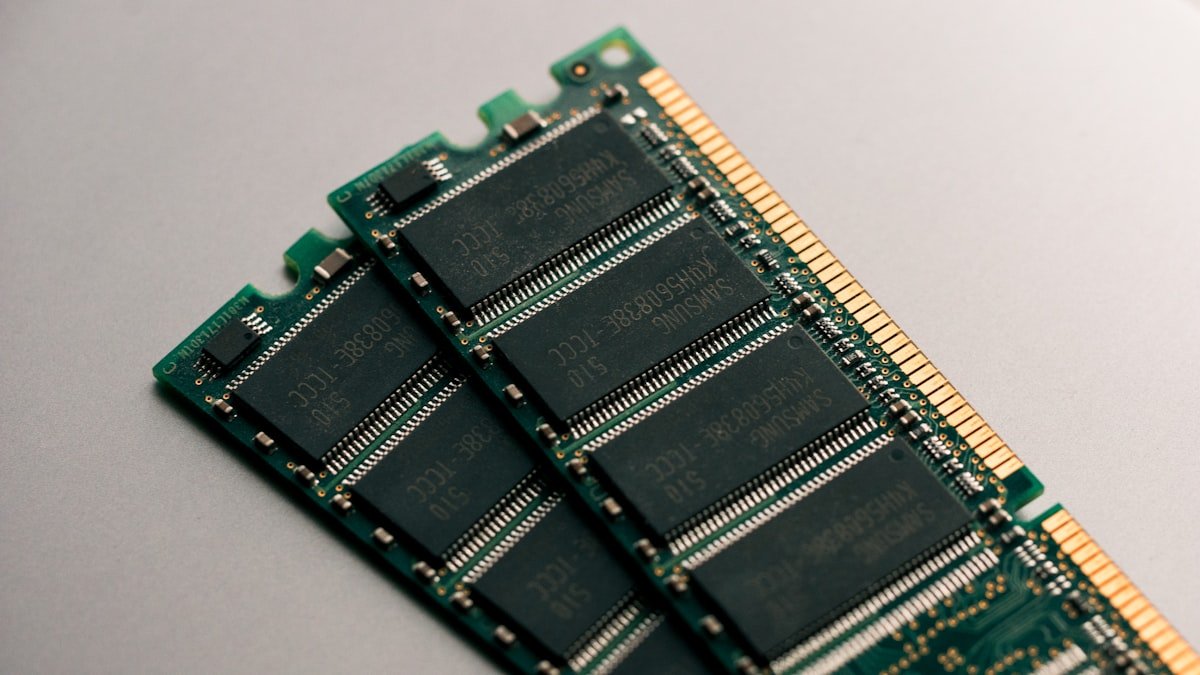
RAM capacity provides a noticeable benefit when:
- Upgrading from 8GB to 16GB on a system running out (immediate responsiveness gain, stuttering gone)
- Video editing: 8GB→16GB = faster timeline scrubbing, quicker exports
- Large Photoshop files: 8GB→16GB = eliminates layer panel lag, faster brush response
- Virtual machines: each VM needs 2–4GB baseline; more RAM allows more simultaneous VMs
- Large datasets: spreadsheets, SQL queries, data science workloads see 10–20% speed gains from 16→32GB
When More RAM Makes Zero Difference
RAM capacity provides no benefit when:
- Single-threaded tasks (compiling code, rendering videos—CPU-bound, not memory-bound)
- Gaming at 1080p or 1440p: benchmark data shows less than 2% FPS difference between 16GB and 32GB at standard settings
- Basic web browsing: 8 tabs uses 1.5–2GB; 24GB unused capacity is invisible
- Document editing: Word uses 300–500MB; extra RAM helps nothing
- Video streaming: Netflix in 4K uses ~1GB; additional memory is wasted
Gaming: The Real Data
Gaming is the canonical test for “do you need more RAM?” Real benchmarks from tech reviewers:
| GPU | Resolution | 16GB RAM | 32GB RAM | Difference |
|---|---|---|---|---|
| RTX 4070 | 1440p, Ultra settings | 166 FPS | 177 FPS | +11 FPS (6.6%) |
| RTX 4070 | 4K, High settings | 103 FPS | 101 FPS | -2 FPS (frame variance) |
| RTX 3080 | 1440p, Ultra | 204 FPS | 207 FPS | +3 FPS (1.5%) |
| Integrated GPU (iGPU) | 1080p, Medium | 58 FPS | 64 FPS | +6 FPS (10%) |
At 4K with a discrete GPU, 32GB shows no gain whatsoever. At 1440p, the benefit is minimal (6–10%). Integrated graphics (Apple M3, Intel Iris Xe) show slightly more benefit from extra RAM, because they share the same memory pool as the CPU.
Verdict: For gaming, 16GB is the sweet spot. 32GB adds nothing for standard gameplay.
RAM Speed vs. RAM Capacity
Capacity matters FAR more than speed. Example:
- Upgrading DDR4-3200 to DDR4-3600 (speed boost): 4–7% faster with integrated graphics, less than 1.5% with discrete GPU
- Upgrading 16GB DDR4-3200 to 8GB DDR4-3600 (capacity loss, speed gain): system is 30–40% slower overall because it swaps to disk constantly
In other words: 16GB at slow speed beats 8GB at fast speed decisively. Capacity trumps speed.
Real-World Multitasking: The Biggest Gain
The most noticeable RAM upgrade is 8GB→16GB on a multitasking system. Before: 8GB system with Spotify + Word + 20 Chrome tabs stutters constantly (disk paging). After: same workload runs smoothly with no perception of slowness.
This isn’t “faster”—it’s going from “broken” to “usable.” The 16GB system isn’t outrunning anyone; it’s simply not hitting RAM limits.
| Scenario | 8GB System | 16GB System | 32GB System |
|---|---|---|---|
| Web browsing (5 tabs) | Smooth | Smooth | Smooth (identical) |
| Office work (15 tabs + Word + Slack) | Stuttering, disk paging | Smooth | Smooth (identical) |
| Video editing (HD, 5-min timeline) | Very slow | Acceptable | Slightly faster, negligible |
| 4K video editing | Not practical | Possible, slow | Comfortable |
Diminishing Returns
RAM upgrades follow a classic diminishing returns curve:
- 8GB→16GB: Transformative. Eliminates stuttering in typical use. Worth every penny.
- 16GB→24GB: Nice for content creators. Noticeable improvement if you regularly edit large files. Optional for office work.
- 24GB→32GB: Comfortable for 4K video, professional photography. Imperceptible for general use.
- 32GB→64GB: Only professionals (data science, AI, 3D rendering) see tangible improvement. Most users waste money here.
How to Check If You Need More RAM
Windows Task Manager method:
- Open Task Manager (Ctrl+Shift+Esc)
- Click Performance tab, then Memory
- Use your laptop normally for a full day
- Observe peak usage (highest number you see)
- If peak usage is within 10% of your total RAM, upgrade. If peak is 50% or less, you have plenty.
Example: 8GB system peaks at 7.6GB → upgrade to 16GB. 16GB system peaks at 9GB → no upgrade needed.
Find 16GB laptop RAM kits on Amazon
Find 32GB laptop RAM kits on Amazon
Frequently Asked Questions
Will 32GB RAM make my gaming laptop faster?
No. Benchmark data shows 16GB and 32GB perform identically in gaming (less than 2% FPS difference at 1440p, often zero difference at 4K). Buy 16GB; the extra £150 for 32GB won’t help gaming performance.
Is DDR5 faster than DDR4 RAM?
Technically yes—DDR5-5200 is 1.6× the clock speed of DDR4-3200. Practically: 4–7% faster with integrated graphics (Apple M3), less than 1.5% faster with discrete GPUs, identical in multitasking. The benefit is small. Capacity still matters more.
Does upgrading from 16GB to 32GB help video editing?
Depends on what you edit. HD video with Premiere Pro: minimal gain. 4K video: noticeable improvement (timeline scrubbing is faster, exports are 10–15% quicker). 4K + heavy effects (color grading, plugins): significant gain. If you edit HD only, 16GB suffices.
Can I mix RAM speeds (DDR4-3200 + DDR4-3600)?
Technically yes, but not recommended. Your system defaults to the slower module’s speed (3200). You waste the fast module’s capability. Always buy matched pairs of identical speed.
Will 8GB RAM feel slow, or just hit bottlenecks?
Both. Your system appears fast for single tasks (watching YouTube, email) because those don’t need much RAM. But the moment you multitask (20 browser tabs + Zoom + Slack), you hit the ceiling and disk paging kicks in. Responsiveness drops from snappy to sluggish.
How do I know if my laptop is RAM-limited or CPU-limited?
Check Task Manager while the slowness occurs. High RAM usage (90%+) and high disk usage (frequent reads/writes) = RAM-limited. High CPU usage (80%+) and low disk usage = CPU-limited. Most slowness in office laptops is RAM, not CPU.
Recommended Products
These are the products we recommend based on this guide. All links go to Amazon where you can check current prices and availability.
| Product | Why We Recommend It | Amazon |
|---|---|---|
| Corsair Vengeance DDR4 SO-DIMM 32GB (2×16GB) 3200MHz | Best overall DDR4 upgrade kit | View on Amazon |
| Kingston Fury Impact DDR4 SO-DIMM 32GB (2×16GB) 3200MHz | Reliable alternative with tight latency | View on Amazon |
| Corsair Vengeance DDR5 SO-DIMM 32GB (2×16GB) 5600MHz | Top-rated DDR5 kit for gaming & productivity | View on Amazon |
| Kingston Fury Impact DDR5 SO-DIMM 32GB (2×16GB) 5600MHz | Excellent DDR5 alternative with XMP support | View on Amazon |
| Samsung 990 Pro 2TB NVMe M.2 2280 | Fastest consumer NVMe — ideal for gaming & editing | View on Amazon |
| WD Black SN850X 2TB NVMe | Excellent Gen4 speed with heatsink option | View on Amazon |
| Crucial P5 Plus 1TB NVMe | Great value Gen4 SSD | View on Amazon |
| Kingston NV2 1TB NVMe | Budget-friendly with solid reliability | View on Amazon |
Prices and availability may vary. As an Amazon Associate, we earn from qualifying purchases.
Related Guides
- Ram Compatibility
- Ssd Compatibility
- Charger Compatibility
- How To Upgrade Surface Laptop Ssd
- How To Upgrade Dell Xps Ssd
Recommended upgrades
As an Amazon Associate we earn from qualifying purchases. Prices & availability shown on Amazon.
For laptops and mini PCs that use DDR5 SO-DIMM
For laptops and mini PCs that use DDR4 SO-DIMM
How we verify this guide
We cross-reference compatibility figures against manufacturer specifications where available, official service manuals, and the standards that govern fit — memory type and speed (DDR4 / DDR5 / LPDDR5), maximum supported capacity and slot count, SSD form factor and interface (M.2 2280, NVMe PCIe vs SATA, keying), and charger wattage and connector (USB-C Power Delivery, GaN). We’re explicit about soldered or non-upgradeable parts, prioritise primary sources over retailer listings, and re-verify the data on a regular cycle. More on our method →