
Affiliate disclosure: this page contains affiliate links — if you buy through them we may earn a commission at no extra cost to you. As an Amazon Associate we earn from qualifying purchases.
SSDs have a finite lifespan measured in terabytes written (TBW). Monitoring your SSD health helps you plan replacements before data loss occurs. This guide shows how to check SSD health on Windows, Mac, and Linux using free tools.
Understanding SSD Lifespan
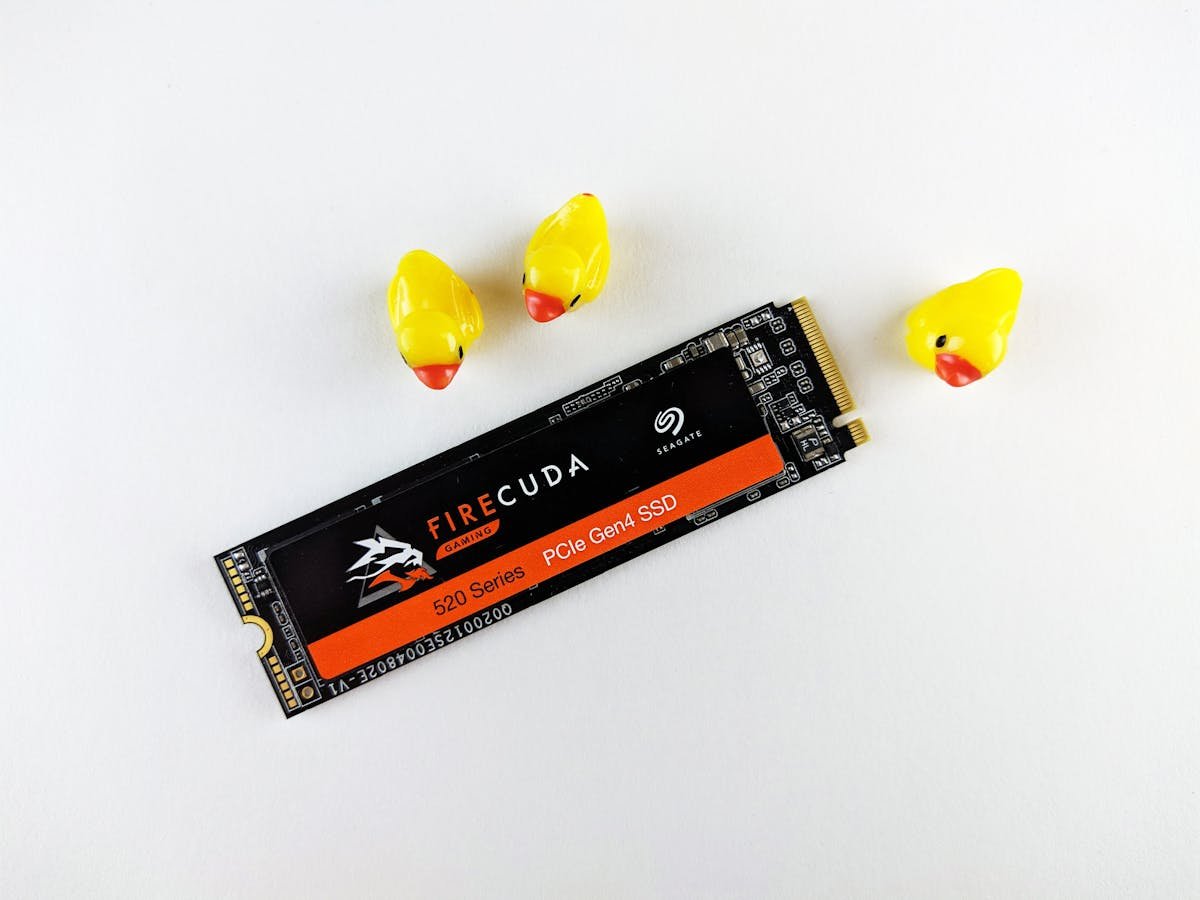
Every SSD has a TBW (Terabytes Written) rating — the total amount of data that can be written before the flash cells wear out. A typical 1TB consumer SSD is rated for 600 TBW, which translates to roughly 10+ years of average use. Enterprise SSDs offer 3,000-10,000 TBW. The drive does not suddenly fail at the TBW limit — it enters read-only mode to protect your data.
CrystalDiskInfo — Windows (Free)
Download CrystalDiskInfo, a free tool that reads the SMART (Self-Monitoring, Analysis and Reporting Technology) data from your drive. Key metrics to monitor: Health Status (Good/Caution/Bad), Temperature (under 70°C is normal), Total Host Writes (compare against TBW rating), and Percentage Used (how much of the rated lifespan has been consumed).
Samsung Magician / WD Dashboard
If you have a Samsung or Western Digital SSD, their dedicated software provides the most detailed health information: remaining lifespan percentage, firmware updates, performance benchmarks, and diagnostic scans. Samsung Magician also offers drive optimisation features.
Mac and Linux Options
On Mac, install DriveDx (paid) or use the Terminal command smartctl -a /dev/disk0 (requires smartmontools via Homebrew). On Linux, use sudo smartctl -a /dev/nvme0 or the graphical GNOME Disks utility to view SMART data.
When to Replace Your SSD
Consider replacement when: health status drops below 90% remaining life, you see increasing reallocated sectors, SMART warnings appear in CrystalDiskInfo, or the drive is approaching its rated TBW. Always maintain backups — SSD failure, while rare, can happen without warning.
Frequently Asked Questions
How long do SSDs last?
Consumer SSDs typically last 5-10 years under normal use. Enterprise SSDs last longer. The TBW rating determines write endurance.
Can an SSD fail suddenly?
While uncommon, yes. Controller failures can cause sudden data loss. This is why regular backups are essential regardless of drive health.
Does checking SSD health wear out the drive?
No. Reading SMART data is a passive monitoring operation that does not write any data to the drive.
Find Compatible Upgrades
Use our compatibility guides to find the right parts for your system.
RAM Guide SSD GuideRecommended upgrades
As an Amazon Associate we earn from qualifying purchases. Prices & availability shown on Amazon.
M.2 2280 NVMe SSDs
How we verify this guide
We cross-reference compatibility figures against manufacturer specifications where available, official service manuals, and the standards that govern fit — memory type and speed (DDR4 / DDR5 / LPDDR5), maximum supported capacity and slot count, SSD form factor and interface (M.2 2280, NVMe PCIe vs SATA, keying), and charger wattage and connector (USB-C Power Delivery, GaN). We’re explicit about soldered or non-upgradeable parts, prioritise primary sources over retailer listings, and re-verify the data on a regular cycle. More on our method →