Affiliate disclosure: this page contains affiliate links — if you buy through them we may earn a commission at no extra cost to you. As an Amazon Associate we earn from qualifying purchases.
HP’s Pavilion line is one of the most popular consumer laptop series worldwide, appealing to students, home users, and light professionals. However, Pavilion upgradability varies significantly across generations and configurations. Some models have easily accessible SODIMM slots and M.2 SSDs, while others have soldered RAM or proprietary storage solutions. This guide covers recent Pavilion 14, 15, and 16-inch models, detailing which are upgradeable and which are not.
HP Pavilion Compatibility Master Table
The table below lists upgradeable Pavilion models. Note that many Pavilion configurations have soldered RAM—always check your specific SKU before assuming upgradability.
| Model/Series | RAM Type | Max RAM | SSD Type | Max SSD | Upgradeable? |
|---|---|---|---|---|---|
| Pavilion 14 Plus (Gen 9) | DDR5 SODIMM | 32GB (2×16) | M.2 NVMe | 1TB | Yes |
| Pavilion 15 (Gen 8) | DDR4 SODIMM | 32GB (2×16) | M.2 NVMe | 1TB | Yes |
| Pavilion 15 Plus (Gen 9) | DDR5 SODIMM | 32GB (2×16) | M.2 NVMe | 1TB | Yes |
| Pavilion 16 (Gen 8) | DDR4 SODIMM | 32GB (2×16) | M.2 NVMe | 1TB | Yes |
| Pavilion 16 Plus (Gen 9) | DDR5 SODIMM | 32GB (2×16) | M.2 NVMe | 1TB | Yes |
| Pavilion 14 (Entry-level) | Soldered DDR4 | Not upgradeable | eMMC/SATA | Fixed | No |
Important note: Before purchasing RAM or SSD upgrades, confirm your exact Pavilion model number (found on the bottom panel or in Settings). Entry-level Pavilion models often have soldered RAM and eMMC storage, making them non-upgradeable. Mid-range and “Plus” models are more likely to have SODIMM and M.2 slots.
RAM Upgrade for Upgradeable Models
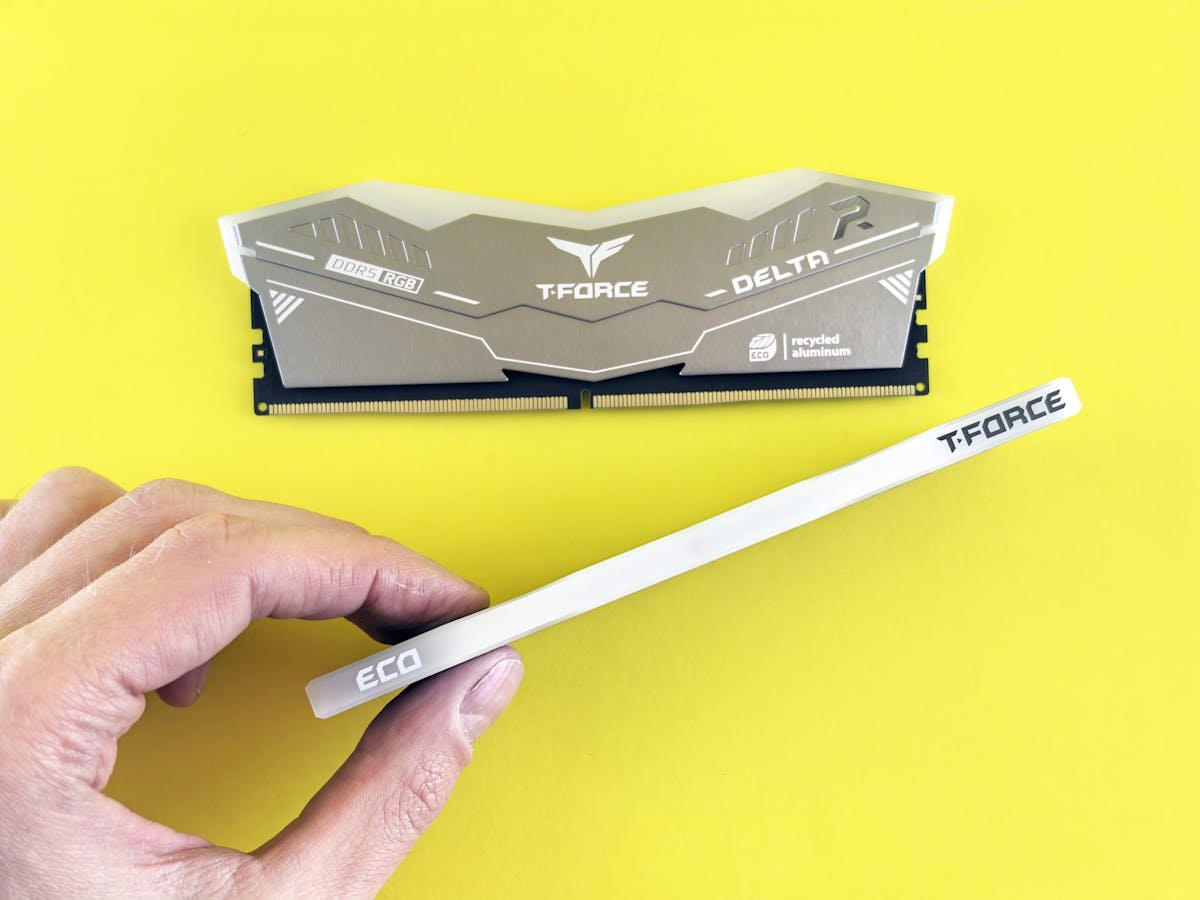
DDR4 Pavilion (Gen 8 and earlier)
Upgradeable Pavilion 15 and 16 Gen 8 models use DDR4 SODIMM. Most ship with 8GB or 16GB, leaving room for expansion to 32GB maximum.
Upgrade recommendation: If your Pavilion has 8GB, adding another 8GB module costs £30–50 and reaches 16GB, excellent for multitasking. Upgrading to 32GB (2x16GB) is worthwhile if you plan to keep the laptop for 4+ years.
Consumer-grade DDR4 options:
- Kingston Fury DDR4-3200 8GB SODIMM — Budget-friendly, reliable
- Corsair Vengeance DDR4-3200 16GB SODIMM — Good for full upgrade
- Crucial DDR4-3200 16GB SODIMM — Solid option
DDR5 Pavilion (Gen 9 Plus models)
Newer Pavilion Plus models use DDR5 SODIMM, offering faster data rates. They support up to 32GB (2x16GB).
Upgrade recommendation: For Gen 9 Pavilion Plus with 8GB, adding 8GB DDR5 reaches 16GB (£40–60). Upgrading to 32GB total is a premium option but provides strong future-proofing.
DDR5 options:
Non-Upgradeable Models
If your Pavilion model has soldered RAM and eMMC storage, upgrades are not possible beyond external USB storage. These entry-level Pavilion models prioritize cost over upgradability. Consider this when purchasing; if you anticipate needing more RAM or storage, buy the mid-range or Plus variant.
SSD Upgrade Guide
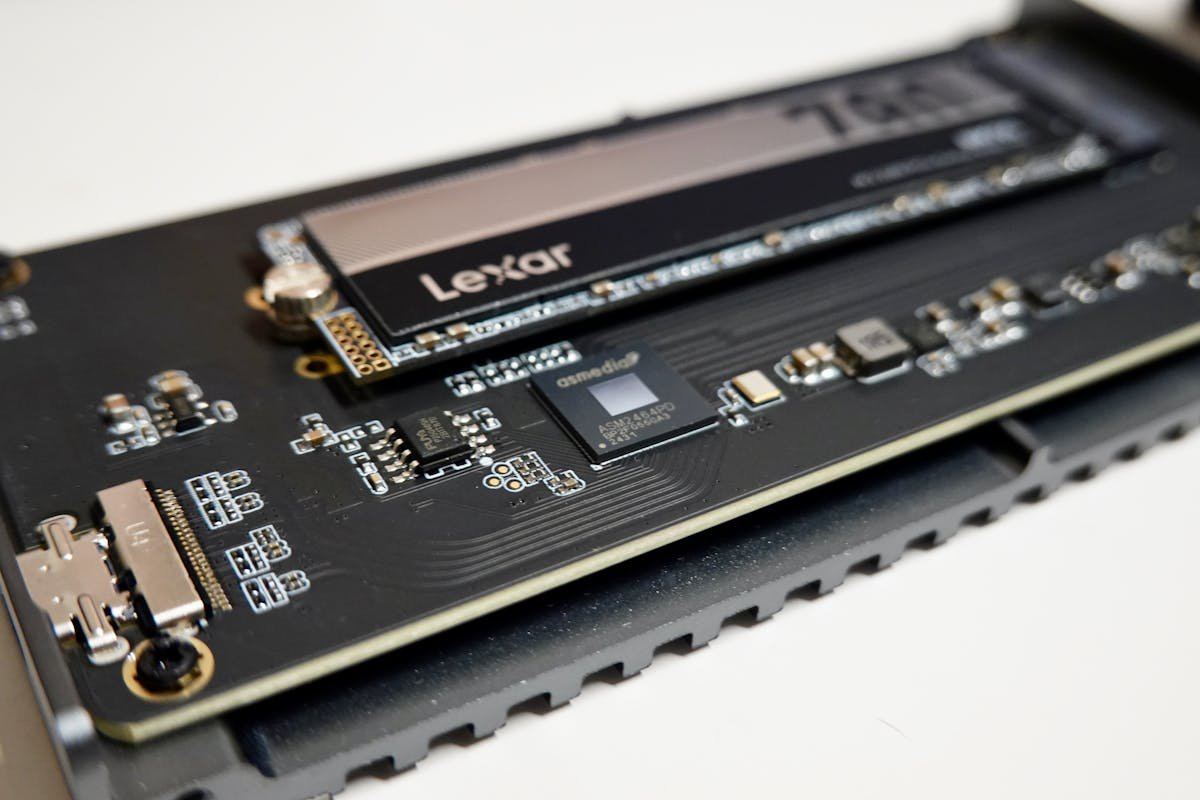
Identifying Your Storage Type
Upgradeable Pavilion models use M.2 NVMe SSDs (either PCIe 3.0 or 4.0). Non-upgradeable models use soldered eMMC or SATA drives. If you can access the bottom panel and spot an M.2 slot, your laptop is upgradeable.
SSD Compatibility and Recommendations
Upgradeable Pavilion models support standard M.2 NVMe SSDs. Upgrade from the stock 512GB to 1TB for £40–70.
- Samsung 970 EVO Plus 512GB/1TB (PCIe 3.0) — Reliable for DDR4 Pavilions
- Samsung 990 EVO 512GB/1TB (PCIe 4.0) — Great for DDR5 Plus models
- Crucial P5 Plus 512GB/1TB (PCIe 4.0) — Reliable alternative
- WD Blue SN570 512GB/1TB (PCIe 3.0) — Budget option
Charger and Power Notes
HP Pavilion chargers vary by model size and power draw. Most use USB-C chargers (45W for 14-inch, 65W–90W for 15–16 inch). A higher-wattage charger will charge safely; a lower-wattage charger may result in slow charging during use.
Replacement chargers:
- HP 45W USB-C charger (14-inch)
- HP 65W USB-C charger (15-inch standard)
- HP 90W USB-C charger (15/16-inch gaming models)
Common Upgrade Paths
Budget Upgrade: £30–50
Add an 8GB DDR4/DDR5 module to reach 16GB. This improves multitasking and web browsing. Only for upgradeable models.
Balanced Upgrade: £80–130
Combine 16GB RAM with a 512GB-to-1TB SSD upgrade. This handles student work, office tasks, and light creative projects smoothly.
Full Upgrade: £150–200
Max RAM to 32GB (2x16GB) and upgrade to a 1TB NVMe SSD. This future-proofs an upgradeable Pavilion for 3–5 years of heavy multitasking or light professional work.
Frequently Asked Questions
How do I know if my Pavilion is upgradeable?
Check your exact model number on the bottom panel or in Settings. Look up the model on HP’s website and check the specs for “Upgradeable RAM” and “M.2 NVMe SSD.” Alternatively, open the bottom panel (carefully!) and look for visible SODIMM slots and an M.2 slot. If you see soldered chips and no M.2 slot, it’s not upgradeable.
Can I upgrade the Pavilion 14 base model?
Many entry-level Pavilion 14 models have soldered RAM and eMMC storage, making them non-upgradeable. If this is your case, consider external USB-C storage instead. Check your exact SKU on HP’s site before purchasing.
Will upgrading RAM help with gaming on my Pavilion?
RAM helps gaming, but the GPU is the limiting factor for framerates. 16GB is standard for 1440p gaming. If your Pavilion has a dedicated NVIDIA or AMD GPU, upgrading RAM and SSD improves load times and reduces stuttering, but not framerates directly. The Plus models with higher-end GPUs benefit more from upgrades.
Should I upgrade SSD or RAM first?
If your Pavilion has 8GB RAM, upgrade RAM first (cheapest and most impactful for multitasking). If you have 16GB+ RAM and a slow SSD, prioritize SSD. Ideally, do both for best results.
Can I use external SSD on a non-upgradeable Pavilion?
Yes. Non-upgradeable Pavilions can use external USB 3.1/USB-C SSDs for additional storage. They’re slower than internal M.2 drives but provide affordable expansion. Look for portable SSDs like Samsung T7 Portable SSD.
Recommended Products
These are the products we recommend based on this guide. All links go to Amazon where you can check current prices and availability.
| Product | Why We Recommend It | Amazon |
|---|---|---|
| Corsair Vengeance DDR4 SO-DIMM 32GB (2×16GB) 3200MHz | Best overall DDR4 upgrade kit | View on Amazon |
| Kingston Fury Impact DDR4 SO-DIMM 32GB (2×16GB) 3200MHz | Reliable alternative with tight latency | View on Amazon |
| Corsair Vengeance DDR5 SO-DIMM 32GB (2×16GB) 5600MHz | Top-rated DDR5 kit for gaming & productivity | View on Amazon |
| Kingston Fury Impact DDR5 SO-DIMM 32GB (2×16GB) 5600MHz | Excellent DDR5 alternative with XMP support | View on Amazon |
| Samsung 990 Pro 2TB NVMe M.2 2280 | Fastest consumer NVMe — ideal for gaming & editing | View on Amazon |
| WD Black SN850X 2TB NVMe | Excellent Gen4 speed with heatsink option | View on Amazon |
| Crucial P5 Plus 1TB NVMe | Great value Gen4 SSD | View on Amazon |
| Kingston NV2 1TB NVMe | Budget-friendly with solid reliability | View on Amazon |
Prices and availability may vary. As an Amazon Associate, we earn from qualifying purchases.
Related HP Upgrade Guides
- HP Battery Replacement: EliteBook, Pavilion & OMEN Step-by-Step
- Best RAM for HP Laptops in 2026
- HP ProLiant DL365 Gen11 RAM & SSD Upgrade Guide (2023)
- HP ProLiant ML30 Gen11 RAM & SSD Upgrade Guide (2023)
- HP ProLiant DL385 Gen10 Plus RAM & SSD Upgrade Guide (2020)
- HP Upgrade Guide
Not sure what fits? Use our free Compatibility Checker covering 3,195+ models.
Helpful Guides
Related Resources
- Laptop Upgrade Compatibility Checker — Check RAM, SSD & charger compatibility for 3,195+ models
- RAM Compatibility Guide — DDR4, DDR5 & LPDDR5 explained
- SSD Compatibility Guide — NVMe, SATA & M.2 sizes
- Charger Compatibility Guide — USB-C, Power Delivery & GaN
- Docking Station Compatibility Guide — Thunderbolt, USB-C & DisplayLink
Popular Brand Upgrade Guides
- Dell Laptop Upgrades
- Lenovo Laptop Upgrades
- HP Laptop Upgrades
- ASUS Laptop Upgrades
- Acer Laptop Upgrades
- MSI Laptop Upgrades
Recommended upgrades
As an Amazon Associate we earn from qualifying purchases. Prices & availability shown on Amazon.