Affiliate disclosure: this page contains affiliate links — if you buy through them we may earn a commission at no extra cost to you. As an Amazon Associate we earn from qualifying purchases.
No—8GB RAM is barely adequate in 2026 and will feel inadequate within 12 months. Windows 11 alone consumes approximately 6GB on an 8GB system at idle, leaving almost nothing for applications. Real-world testing shows that typical office work (Spotify, Word, Chrome with 20 tabs) peaks at 6.8GB, leaving the system with no headroom. For comfortable use, 16GB is the new baseline; 32GB if you work with large files or video.
Real Memory Usage Breakdown (8GB System)
| Scenario | Memory Used | Available Headroom |
|---|---|---|
| Windows 11 idle (no apps) | ~5.8GB | 2.2GB |
| + Spotify + Word + Firefox | ~6.5GB | 1.5GB |
| + Chrome (10 tabs) | ~7.2GB | 0.8GB |
| + Chrome (20 tabs) | ~7.8GB | 0.2GB |
| + Zoom + Slack + Teams | ~8.5GB (OVER LIMIT) | -0.5GB |
Notice the “OVER LIMIT” scenario—this is where disk swapping begins. When physical RAM fills, Windows moves less-used data to the SSD (disk paging). SSDs are 100–1,000 times slower than RAM, causing immediate system stuttering.
Application Memory Footprints (2026)
Baseline (per application):
- Windows 11: 5.5–6.2GB (background processes)
- Chrome per tab: 100–250MB (heavier sites use more)
- Firefox per tab: 80–150MB
- Zoom: 450MB–1GB (video call with backgrounds = 1.2GB)
- Microsoft Word: 350MB (heavier documents = 800MB+)
- Spotify: 150–300MB
- Slack: 200–500MB
- Adobe Photoshop (small file): 600MB–2GB (large PSD = 5–10GB)
- Video editing (DaVinci Resolve, 1080p): 2–4GB
Typical Workday Memory Profile
A typical office worker (9am–5pm) runs: Windows 11 + Spotify + Outlook + Word + 20 Chrome tabs (email, spreadsheets, docs, video calls) + Slack + Teams. This stack uses:
- Windows 11: 5.8GB
- Chrome (20 tabs): 3.0–4.5GB
- Outlook: 400MB
- Word (active spreadsheet): 600MB
- Slack: 350MB
- Spotify: 200MB
- Total: ~10.5–11.5GB
On an 8GB system, this causes immediate disk paging. The laptop becomes noticeably slower—windows stutter, tab switching lags, and typing in Word feels sluggish. With 16GB, the same workload leaves 4.5–5.5GB free, ensuring smooth multitasking.
When 8GB Is Genuinely Sufficient
8GB works adequately for:
- Light web browsing (5 tabs or fewer)
- Document editing (Word, Google Docs, not Photoshop)
- Email and messaging
- Video streaming (Netflix, YouTube)
- Single-application workflows (Zoom calls with minimal background apps)
If your entire workday is email and light browsing, 8GB survives. The moment you multitask (video call + 15 browser tabs + Slack + Word), you’ll hit the wall.
When You Definitely Need More
16GB minimum for:
- Office work with 10+ browser tabs
- Video conferencing (Zoom/Teams) with multiple tabs open
- Photography (Lightroom with 100+ images imported)
- Light video editing (HD, 5-minute timeline)
- Virtual machines (one VM needs 2–4GB baseline)
32GB for:
- 4K video editing (DaVinci Resolve, Premiere Pro)
- Large Photoshop projects (500+ layers, 2GB+ files)
- Large datasets (10GB+ spreadsheets, SQL databases)
- 3D rendering (Blender, Cinema 4D)
- Software development (multiple VMs, Docker containers, large IDEs)
- Content creators running multiple professional apps simultaneously
Memory Speed vs. Capacity
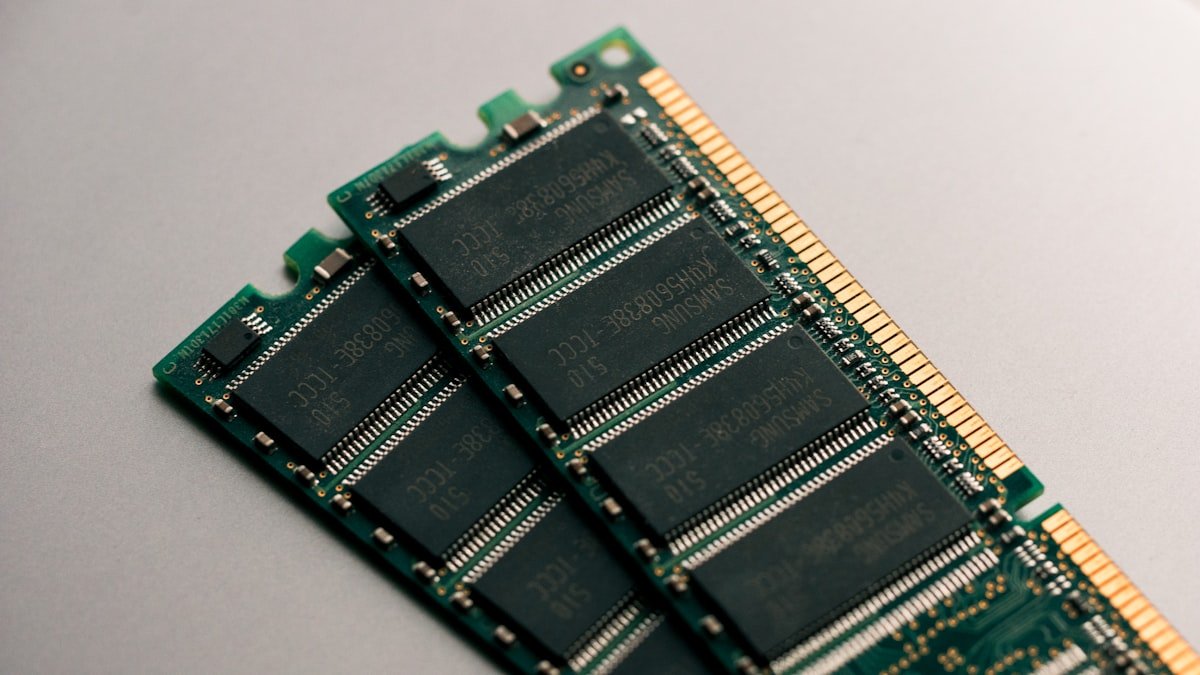
Capacity matters far more than speed. DDR4-3200 vs. DDR4-3600 shows minimal real-world difference in multitasking (2–4% faster). Dropping from 16GB to 8GB causes visible stuttering regardless of RAM speed. Buy capacity first, speed second.
Disk Swapping and SSD Degradation
When RAM is exhausted, Windows pages memory to your SSD. Constant swapping wears SSDs faster and slows everything down. This is why 8GB systems feel increasingly sluggish over time—swapping happens more frequently as software bloats. 16GB eliminates this problem for most users.
Find 16GB laptop RAM kits on Amazon
Find 32GB laptop RAM kits on Amazon
Frequently Asked Questions
Will 8GB RAM be enough in 3–5 years?
No. Applications grow in memory footprint each year (Chrome, Office, Zoom all added 10–20% more overhead since 2022). By 2028–2029, 8GB will feel critically inadequate. 16GB is safer for longevity.
What’s disk swapping and why is it bad?
Disk swapping moves RAM data to your SSD when physical RAM is full. SSDs are 100–1,000 times slower than RAM. Constant swapping makes everything feel sluggish—windows stutter, apps lag, and typing lags. It also wears SSDs faster.
Can I add more RAM if I buy an 8GB laptop?
Sometimes. Check your laptop manual. Dell XPS, ThinkPad, and ASUS models often allow RAM upgrades. Apple, Microsoft Surface, and gaming laptops usually don’t (RAM is soldered). Never buy 8GB expecting to upgrade later—many new laptops don’t support it.
Is 16GB overkill for basic web browsing?
For pure web browsing, 8GB technically suffices. But most people’s workday includes browsing + messaging + email + video calls + document editing simultaneously. That combination needs 16GB. If you strictly browse in isolation, 8GB works—but this is rare.
How much does a RAM upgrade cost?
A 16GB DDR4 SODIMM kit costs £40–70 on Amazon. DDR5 costs £60–100. Soldered RAM (MacBook, Surface) is not upgradeable—you’re stuck with your purchase choice. Non-upgradeable RAM is another reason to buy maximum RAM at purchase.
What happens if I run out of RAM?
Windows automatically pages to disk. Performance degrades noticeably (5–10 times slower for memory-intensive tasks). The system remains usable for light work but becomes frustrating for multitasking. No data is lost, but responsiveness suffers significantly.
Recommended Products
These are the products we recommend based on this guide. All links go to Amazon where you can check current prices and availability.
| Product | Why We Recommend It | Amazon |
|---|---|---|
| Corsair Vengeance DDR4 SO-DIMM 32GB (2×16GB) 3200MHz | Best overall DDR4 upgrade kit | View on Amazon |
| Kingston Fury Impact DDR4 SO-DIMM 32GB (2×16GB) 3200MHz | Reliable alternative with tight latency | View on Amazon |
| Corsair Vengeance DDR5 SO-DIMM 32GB (2×16GB) 5600MHz | Top-rated DDR5 kit for gaming & productivity | View on Amazon |
| Kingston Fury Impact DDR5 SO-DIMM 32GB (2×16GB) 5600MHz | Excellent DDR5 alternative with XMP support | View on Amazon |
| Samsung 990 Pro 2TB NVMe M.2 2280 | Fastest consumer NVMe — ideal for gaming & editing | View on Amazon |
| WD Black SN850X 2TB NVMe | Excellent Gen4 speed with heatsink option | View on Amazon |
| Crucial P5 Plus 1TB NVMe | Great value Gen4 SSD | View on Amazon |
| Kingston NV2 1TB NVMe | Budget-friendly with solid reliability | View on Amazon |
Prices and availability may vary. As an Amazon Associate, we earn from qualifying purchases.
Related Guides
- Ram Compatibility
- Ssd Compatibility
- Charger Compatibility
- How To Upgrade Surface Laptop Ssd
- How To Upgrade Dell Xps Ssd
Recommended upgrades
As an Amazon Associate we earn from qualifying purchases. Prices & availability shown on Amazon.
For laptops and mini PCs that use DDR5 SO-DIMM
For laptops and mini PCs that use DDR4 SO-DIMM
How we verify this guide
We cross-reference compatibility figures against manufacturer specifications where available, official service manuals, and the standards that govern fit — memory type and speed (DDR4 / DDR5 / LPDDR5), maximum supported capacity and slot count, SSD form factor and interface (M.2 2280, NVMe PCIe vs SATA, keying), and charger wattage and connector (USB-C Power Delivery, GaN). We’re explicit about soldered or non-upgradeable parts, prioritise primary sources over retailer listings, and re-verify the data on a regular cycle. More on our method →