Affiliate disclosure: this page contains affiliate links — if you buy through them we may earn a commission at no extra cost to you. As an Amazon Associate we earn from qualifying purchases.
Lenovo ThinkCentre M75q Gen 5 Compatibility & Upgrade Guide
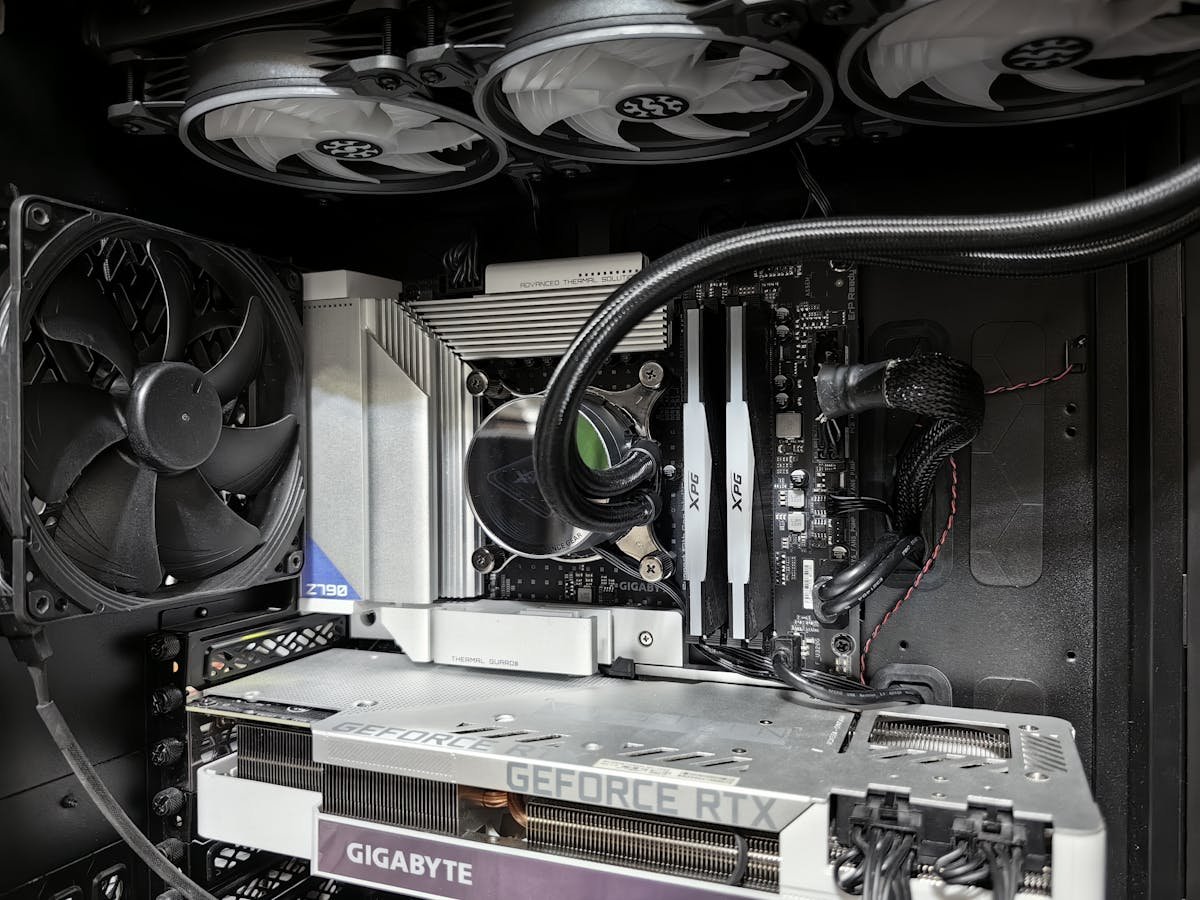
The M75q Gen 5 brings AMD Ryzen Pro excellence to Lenovo’s Tiny form factor. With DDR5-5200 memory, dual M.2 storage slots, and exceptional power efficiency, this is an outstanding choice for professionals who prefer the AMD ecosystem. Here’s the complete upgrade and compatibility breakdown.
Quick Specs Summary
| Component | Details |
|---|---|
| Processor | AMD Ryzen Pro 7000 Series (5/7 cores) |
| RAM Type | DDR5-5200 SO-DIMM |
| RAM Slots | 2 (max 32GB; 64GB via special bid) |
| Storage | 2x M.2 2280 NVMe PCIe 4.0 (no 2.5in bay) |
| Connectivity | WiFi 6E, Bluetooth 5.3 |
| Video Out | DisplayPort + HDMI + USB-C |
| Typical Price | £550–£700 (inc. VAT) |
Processor—Is It User-Replaceable?
No. The Ryzen Pro CPU is soldered directly to the motherboard. While it might be tempting to think AMD’s Socket AM5 platform offers upgrade flexibility, Lenovo’s Tiny design has integrated the chip. Your processor is fixed at purchase—but with Ryzen Pro 5000/7000 series chips offering excellent multi-core performance and integrated Vega graphics, you’re in good shape.
RAM Compatibility & Maximum Capacity
The M75q Gen 5 features two DDR5-5200 SO-DIMM slots, supporting up to 32GB total (64GB only via special bid). Most units ship with 8GB or 16GB, making a RAM upgrade one of the best value additions you can make. DDR5 performance benefits are most noticeable in memory-intensive workflows like video editing or 3D rendering.
Crucial detail: This board supports DDR5-5200 natively. DDR5-4800 modules will also work but run at reduced speed.
| Capacity | Speed | Type | Amazon Link |
|---|---|---|---|
| 16GB (2x8GB) | DDR5-5600 | SODIMM | DDR5-5600 SODIMM 16GB |
| 32GB (2x16GB) | DDR5-5600 | SODIMM | DDR5-5600 SODIMM 32GB |
| 64GB (2x32GB) | DDR5-5600 | SODIMM | DDR5-5600 SODIMM 64GB |
| 8GB (2x4GB) | DDR5-5600 | SODIMM | DDR5-5600 SODIMM 8GB |
Installation: Lenovo’s tool-less design shines. Remove the bottom panel, push the retention clips, insert your SODIMM at 45°, and lock it home. Takes about two minutes, no tools required.
Storage Options & Compatibility
The M75q Gen 5 provides dual-drive flexibility: two M.2 2280 PCIe 4.0 NVMe slots, one for fast OS/app storage and one for bulk media or backups. Both are independently upgradeable.
| Slot | Interface | Max Size | Compatible Products |
|---|---|---|---|
| M.2 Primary | NVMe PCIe 4.0 | 2280 | PCIe 4.0 NVMe 2280 |
| 2.5″ Secondary | SATA III | Up to 1TB+ | 2.5″ SATA SSD |
Recommendation: Pair a PCIe 4.0 NVMe drive (like Samsung 980 Pro) with a larger capacity second M.2 NVMe SSD for an optimal balance of performance and storage capacity.
Power Supply & Thermal Design
The M75q Gen 5 ships with a 120W external PSU. Ryzen Pro processors are remarkably efficient, and this PSU easily handles the system’s power needs. Thermal management is excellent—the tiny chassis includes clever passive cooling and fan design that keeps things quiet and cool even under moderate workloads.
Display Connectivity & Multi-Monitor Support
Three video outputs enable flexible multi-display setups:
- DisplayPort 1.4: Up to 8K @ 60Hz or dual 4K @ 60Hz.
- HDMI 2.1: 4K @ 60Hz or 8K @ 30Hz.
- USB-C (alt-mode): Additional display output or dock connectivity.
This trio is excellent for professionals running two or three monitors simultaneously. The USB-C connector also handles power delivery from compatible docks, further reducing cable clutter.
WiFi & Bluetooth Standards
The M75q Gen 5 includes Intel WiFi 6E (802.11ax) and Bluetooth 5.3. Both are current-generation standards offering excellent reliability and range. No upgrades needed or possible—these chips are soldered to the board.
Upgradeability Score
7 out of 10. RAM and storage are easily user-serviceable, giving good flexibility for future-proofing. The CPU and core components are locked by design. DDR5-5200 is future-proofed for years to come, and the dual-storage approach is genuinely thoughtful.
Frequently Asked Questions
How Much RAM Can the M75q Gen 5 Accept?
Up to 32GB as standard, or 64GB via special bid, using two DDR5-5200 SO-DIMM modules (2x32GB). Most units ship with 8GB or 16GB, so doubling or quadrupling your RAM is a straightforward upgrade with tangible performance benefits.
Is the M75q Gen 5 Better Than Intel Equivalents?
It depends on your workload. Ryzen Pro 7000 series excels in multi-threaded tasks and offers excellent value. Intel’s 13th Gen vPro (M90q) has slightly higher single-thread performance. Choose based on your specific applications and workload profile.
Can I Upgrade the NVMe Drive to PCIe Gen 5?
PCIe Gen 5 NVMe drives will work in the M.2 slot but will operate at Gen 4 speeds due to board limitations. Gen 4 is plenty fast for current workflows—Gen 5 is still a niche feature on consumer/SMB platforms.
Does the M75q Gen 5 Support Dual M.2 Drives?
Yes, there are two M.2 2280 PCIe 4.0 x4 SSD slots and no 2.5in bay. The second slot provides secondary storage for media libraries or backups.
What’s the Power Consumption of the M75q Gen 5?
Ryzen Pro 7000 series processors are efficient, with typical system power draw around 25–45W idle and 60–95W under sustained load. The 120W PSU provides comfortable headroom and ensures long power supply lifespan.
Recommended Products
These are the products we recommend based on this guide. All links go to Amazon where you can check current prices and availability.
| Product | Why We Recommend It | Amazon |
|---|---|---|
| Corsair Vengeance DDR5 SO-DIMM 32GB (2×16GB) 5600MHz | Top-rated DDR5 kit for gaming & productivity | View on Amazon |
| Kingston Fury Impact DDR5 SO-DIMM 32GB (2×16GB) 5600MHz | Excellent DDR5 alternative with XMP support | View on Amazon |
| Crucial DDR5 SO-DIMM 16GB 5600MHz | Affordable single-stick DDR5 | View on Amazon |
| G.Skill Ripjaws DDR5 SO-DIMM 32GB 5600MHz | High performance DDR5 for enthusiasts | View on Amazon |
| Samsung 990 Pro 2TB NVMe M.2 2280 | Fastest consumer NVMe — ideal for gaming & editing | View on Amazon |
| WD Black SN850X 2TB NVMe | Excellent Gen4 speed with heatsink option | View on Amazon |
| Crucial P5 Plus 1TB NVMe | Great value Gen4 SSD | View on Amazon |
| Kingston NV2 1TB NVMe | Budget-friendly with solid reliability | View on Amazon |
Prices and availability may vary. As an Amazon Associate, we earn from qualifying purchases.
Related Lenovo Upgrade Guides
- Lenovo Battery Replacement: ThinkPad, IdeaPad & Legion Step-by-Step
- Best RAM for Lenovo ThinkPad in 2026
- Lenovo ThinkSystem SR665 V3 RAM & SSD Upgrade Guide (2023)
- Lenovo ThinkSystem SR665 RAM & SSD Upgrade Guide (2020)
- Lenovo ThinkSystem SR645 RAM & SSD Upgrade Guide (2020)
- Lenovo Upgrade Guide
Not sure what fits? Use our free Compatibility Checker covering 3,195+ models.
Helpful Guides
Upgrades that fit the Lenovo ThinkCentre M75q Gen 5 AMD
What fits: Memory: DDR5-5200 SO-DIMM, 2 user slots, up to 64GB · Storage: 2x M.2 2280 NVMe PCIe 4.0
Spec source: psref.lenovo.com (checked 26 Sep 2026).
As an Amazon Associate we earn from qualifying purchases. Prices & availability shown on Amazon.