Affiliate disclosure: this page contains affiliate links — if you buy through them we may earn a commission at no extra cost to you. As an Amazon Associate we earn from qualifying purchases.
Geekom GT13 Pro — Quick Specs Summary
| Component | Specification | Upgradeable? |
|---|---|---|
| Processor | Intel Core i9-13900H (14-core: 6 P-core + 8 E-core, up to 5.4 GHz) | No |
| RAM | 16GB, 32GB DDR4-3200 SO-DIMM (2 slots, max 64GB) | Yes — UPGRADEABLE to 64GB |
| Internal SSD | 512GB, 1TB M.2 2280 NVMe PCIe 4.0 (plus 1x M.2 2242 SATA slot) | Yes — both slots user-replaceable |
| Ports | 2x USB4 Type-C, 3x USB-A 3.2 Gen 2, 1x USB-A 2.0, 2x HDMI 2.0, 2.5GbE | Expandable via TB4 dock |
| Wireless | WiFi 6E (802.11ax + 6GHz), Bluetooth 5.2 | No |
| Power Supply | 120W external DC barrel adapter (19V / 6.32A) — not USB-C PD | No |
| Price | £500–600 | N/A |
GT13 Pro Overview: Flagship Geekom Mini PC
Performance Profile
The GT13 Pro is Geekom’s top-tier mini PC, featuring Intel’s powerful 13th-gen i9-13900H mobile processor. Performance comparison:
- vs Apple M4: ~15% faster multi-threaded, ~5% slower single-threaded
- vs M4 Pro: Competitive but slower in GPU-accelerated tasks (no dedicated GPU like M4)
- Best at: Development, virtual machines, workstation-class computing, sustained multi-threaded workloads
Upgradeability Advantage
Unlike sealed Apple Silicon Mac Minis, the GT13 Pro lets you:
- Upgrade RAM to 64GB (DDR4-3200 SO-DIMM)
- Replace/add SSD via 2× M.2 NVMe slots
- Expand storage to 2TB+ easily
RAM Compatibility & Upgrades
DDR4-3200 SO-DIMM (Dual Channel)
GT13 Pro uses 2x DDR4-3200 SO-DIMM slots (laptop form factor) in dual channel, supporting up to 64GB. DDR5 modules will not fit.
Configuration Options
- Factory 16GB: 2x 8GB DDR4-3200
- Factory 32GB: 2x 16GB DDR4-3200
- Upgrade path: 16GB → 32GB (£80–120) or 16GB → 64GB (£150–200)
Upgrade Steps
- Power down and unplug
- Remove bottom panel (screws vary by revision)
- Locate 2 RAM slots
- Push clip tabs outward, eject current modules at 45°
- Insert new DDR4 SO-DIMM at 45°, press down until clips engage
- Reassemble, boot, verify in BIOS/System Info
RAM Recommendations
| Use Case | Recommended | Cost (approx) |
|---|---|---|
| General use, light development | 16GB (keep factory) | +£0 |
| Professional development, Docker | 32GB (2x 16GB DDR4-3200) | +£80–120 |
| Heavy virtualisation, multiple VMs | 64GB (2x 32GB DDR4-3200) | +£150–200 |
Compatible RAM Brands
Compatible: Crucial DDR4-3200 16GB SODIMM, Kingston Fury Impact DDR4-3200.
SSD Compatibility & Upgrades
Dual M.2 Slots (NVMe + SATA)
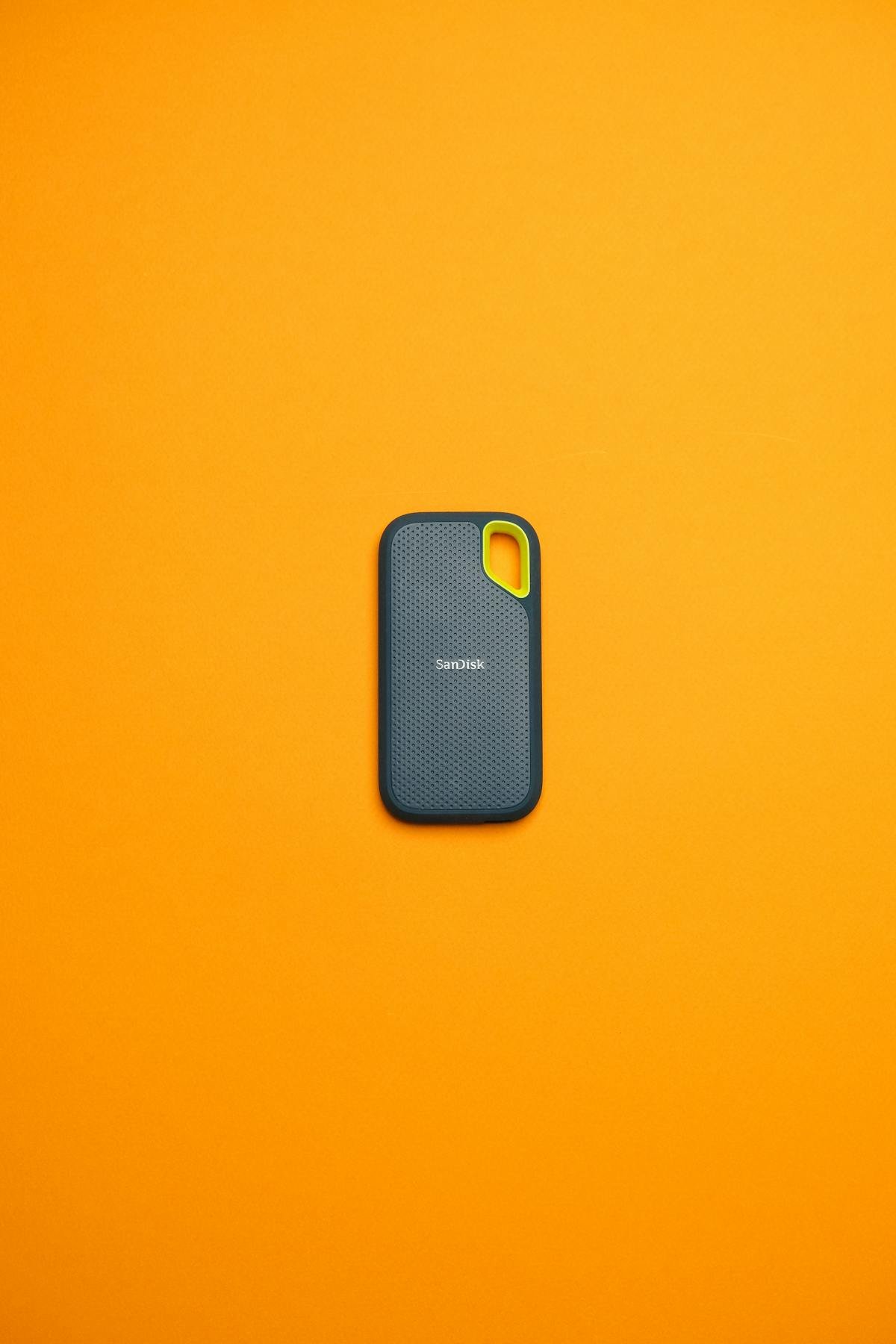
GT13 Pro includes one M.2 2280 PCIe 4.0 NVMe slot and one M.2 2242 SATA slot:
- Factory config: 512GB or 1TB (usually 1 slot populated)
- Second slot empty: Add another drive
- Total capacity: Geekom lists up to 2TB (NVMe) + 1TB (M.2 2242 SATA)
SSD Replacement Steps
- Power down, unplug
- Remove bottom panel
- Locate M.2 slots (typically mid-board)
- Eject existing SSD (push at 30°, release, pull out)
- Insert new NVMe at 30°, press down until seated and screw if needed
- Close panel, boot
Recommended SSD Options
Compatible: Samsung 990 EVO M.2 NVMe, WD Blue SN580, Crucial P3 Plus.
Power Supply & Thermal Design
120W DC Barrel Adapter
GT13 Pro uses a 120W external DC barrel adapter (19V / 6.32A), not USB-C PD. Adequate for sustained multi-threaded workloads. In brief compute bursts (compilation, export), power draw peaks at 60–75W. Under light load: 20–30W.
Active Cooling
GT13 Pro includes a small active fan (unlike passive Mac Mini). Under sustained load, fan noise is audible (~30–35 dB) but not intrusive. Ambient temp tolerance: up to 30°C without thermal throttling.
Connectivity & Display Support
USB4: Two Ports
GT13 Pro has 2x USB4 (40Gbps) Type-C ports. A USB4 or Thunderbolt dock can add further ports if needed.
USB-A & USB-C Abundance
3x USB-A 3.2 Gen 2 and 1x USB-A 2.0, plus the 2x USB4 Type-C ports, provide plenty of wired connectivity without needing a dock. Video output includes 2x HDMI 2.0.
Display Support
Display outputs:
- 2x HDMI 2.0
- 2x USB4 Type-C (display output via USB-C alt mode)
WiFi 6E & Networking
WiFi 6E Performance
802.11ax on 2.4/5/6GHz delivers ~1.2 Gbps peak. Real-world office: 400–600 Mbps. 2.5 Gigabit Ethernet port is included; use for stable LAN connections or NAS access.
Upgradeability Score
| Category | Score | Notes |
|---|---|---|
| RAM Upgrade | 9/10 | User-replaceable DDR4-3200 SO-DIMM; 64GB max |
| SSD Upgrade | 10/10 | M.2 2280 NVMe (up to 2TB) + M.2 2242 SATA (up to 1TB) |
| Ports & Connectivity | 8/10 | 2x USB4 + 4x USB-A; good without dock |
| Display Support | 8/10 | Multiple displays via 2x HDMI 2.0 + 2x USB4 |
| Overall Upgradeability | 9/10 | Excellent RAM/SSD expansion; competitive with high-end workstations |
Frequently Asked Questions
Is GT13 Pro better than Mac mini M4?
Comparable performance; GT13 Pro excels in upgradeability (64GB RAM, dual SSD slots). M4 is more energy-efficient and compact. Choose GT13 Pro if you need expansion; M4 if sealed simplicity is preferred.
Should I buy 16GB or 32GB factory config?
Start with 16GB; upgrade to 32GB if workload demands. Extra RAM adds to the upfront cost. Most developers work fine on 32GB factory config; upgrade later if needed.
Can I use both M.2 slots simultaneously?
Yes. Add an M.2 2242 SATA SSD to the empty second slot, or replace the existing 512GB NVMe drive with a larger M.2 2280 NVMe drive. The second slot is SATA, so it runs at SATA speed rather than NVMe speed.
What’s the best upgrade path for GT13 Pro?
Factory 16GB + 512GB → add 32GB RAM (£120) + 1TB M.2 2242 SATA SSD in second slot (£60) = £500–600 system with 32GB RAM + 1.5TB storage for ~£680 total.
Are the two USB4 ports limiting?
Not really. The four USB-A ports handle most peripherals, and a USB4 or Thunderbolt dock can add more ports if needed.
Recommended Products
These are the products we recommend based on this guide. All links go to Amazon where you can check current prices and availability.
| Product | Why We Recommend It | Amazon |
|---|---|---|
| Corsair Vengeance DDR4 SO-DIMM 32GB (2×16GB) 3200MHz | Best overall DDR4 upgrade kit | View on Amazon |
| Kingston Fury Impact DDR4 SO-DIMM 32GB (2×16GB) 3200MHz | Reliable alternative with tight latency | View on Amazon |
| Samsung 990 Pro 2TB NVMe M.2 2280 | Fastest consumer NVMe — ideal for gaming & editing | View on Amazon |
| WD Black SN850X 2TB NVMe | Excellent Gen4 speed with heatsink option | View on Amazon |
| Crucial P5 Plus 1TB NVMe | Great value Gen4 SSD | View on Amazon |
| Kingston NV2 1TB NVMe | Budget-friendly with solid reliability | View on Amazon |
Prices and availability may vary. As an Amazon Associate, we earn from qualifying purchases.
Related Geekom Upgrade Guides
- Geekom GT1 Mega Mini PC Compatibility
- Geekom A8 Mini PC Compatibility
- Geekom Mini PC Upgrade Guide
- Geekom A5
- Geekom A7
- Geekom Upgrade Guide
Not sure what fits? Use our free Compatibility Checker covering 3,195+ models.
Helpful Guides
Recommended upgrades
As an Amazon Associate we earn from qualifying purchases. Prices & availability shown on Amazon.