Affiliate disclosure: this page contains affiliate links — if you buy through them we may earn a commission at no extra cost to you. As an Amazon Associate we earn from qualifying purchases.
ASUS NUC 14 Pro+ — Compatibility & Upgrade Guide
| Component | Specs |
|---|---|
| Processor | Core Ultra 5 125H, Core Ultra 7 155H or Core Ultra 9 185H (vPro options 135H/165H); up to 16 cores, up to 5.1GHz |
| RAM Slots | 2x SO-DIMM DDR5-5600, max 96GB |
| Storage | Slot 1: M.2 2280 NVMe PCIe 4.0 · Slot 2: M.2 2242 — a 2280 drive will not fit the second slot |
| Display Out | 2x Thunderbolt 4 (USB-C), 2x HDMI 2.1 |
| Connectivity | Intel Wi-Fi 6E AX211, Bluetooth 5.3, 2.5GbE |
| Power | 120W external PSU (150W on the Core Ultra 9 185H configuration) |
| Price Range | £550–750 (UK) |
Can You Upgrade This Mini PC?
Yes, RAM and storage are fully user-upgradeable. The CPU and integrated graphics are soldered. ASUS notes that Intel Arc graphics needs two SO-DIMMs fitted; with a single module the GPU runs as standard Intel Graphics.
RAM Compatibility — DDR5-5600 SO-DIMM
Identical to the Pro model: 2x SO-DIMM slots accepting DDR5-5600 modules. Maximum 96GB total (2x48GB). DDR4 modules will not fit.
| Product | Capacity | Speed | Price (UK)* | Link |
|---|---|---|---|---|
| Kingston Fury Impact DDR5 | 48GB SO-DIMM | DDR5-5600 | £200–240 | View |
| Corsair Vengeance DDR5 | 32GB SO-DIMM | DDR5-5600 | £160–190 | View |
| Crucial DDR5 | 32GB SO-DIMM | DDR5-5600 | £140–170 | View |
| SK Hynix DDR5 | 48GB SO-DIMM | DDR5-5600 | £220–270 | View |
SSD Compatibility — M.2 2280 NVMe PCIe 4.0
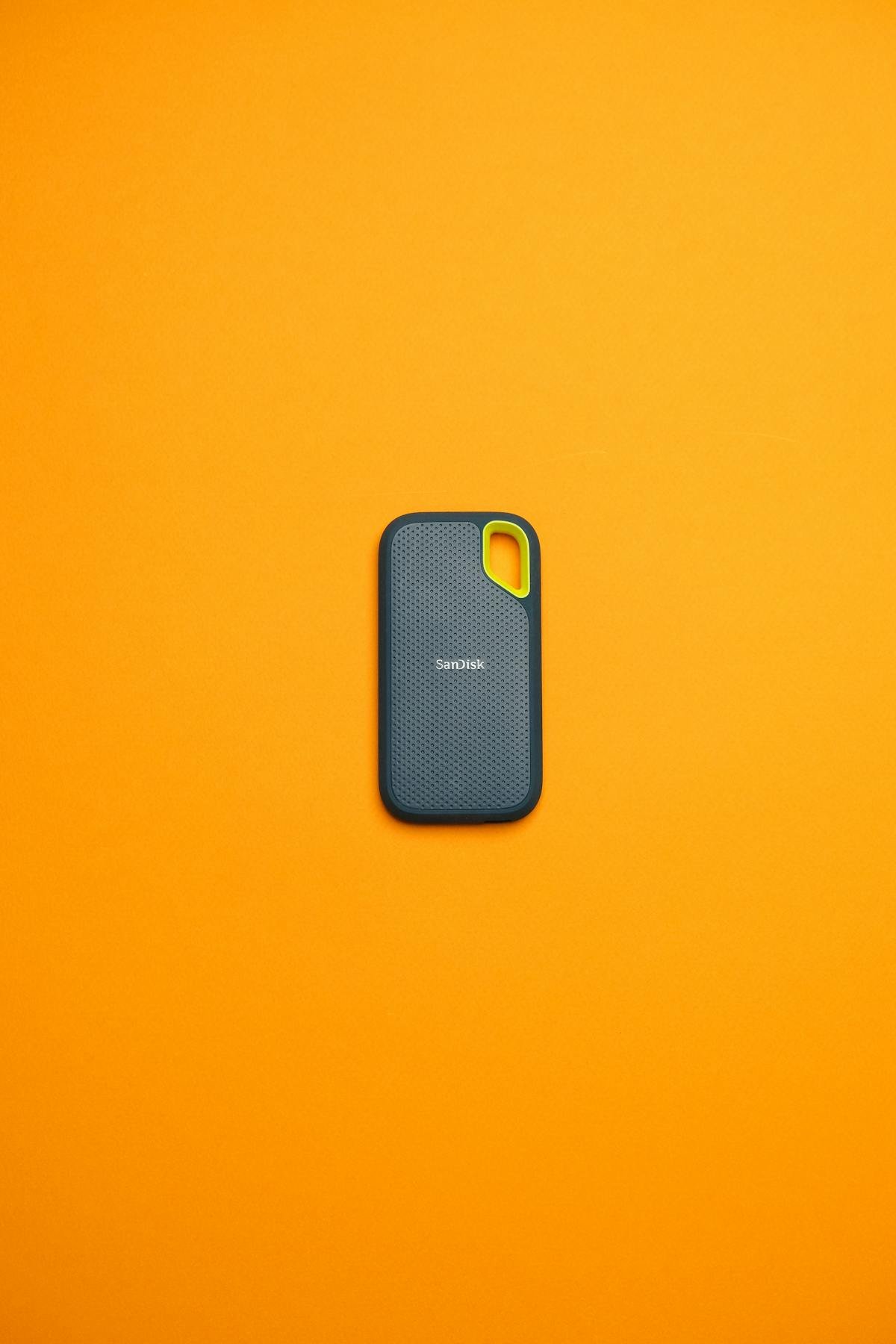
Slot 1 takes an M.2 2280 PCIe 4.0 x4 NVMe drive (ASUS lists 128GB to 4TB). Slot 2 takes an M.2 2242 PCIe 4.0 x4 NVMe drive (128GB to 2TB), so a 2280 drive will not fit it.
| Product | Capacity | Interface | Speed | Price (UK)* |
|---|---|---|---|---|
| Samsung 990 Pro | 2TB / 4TB | PCIe 4.0 | 7.1 GB/s read | £160–320 |
| WD Black SN850X | 1TB / 2TB | PCIe 4.0 | 7.1 GB/s read | £75–155 |
| Crucial P5 Plus | 2TB | PCIe 4.0 | 6.6 GB/s read | £140–180 |
| SK Hynix Platinum P41 | 2TB | PCIe 4.0 | 7.1 GB/s read | £180–220 |
Power Supply & Cooling
The Pro+ ships with a 120W external PSU (Core Ultra 5/7) or a 150W PSU (Core Ultra 9), per ASUS, to suit the processor fitted. ASUS runs the Pro+ at up to 65W TDP, against 40W on the standard NUC 14 Pro.
Display & Docking Options
Two Thunderbolt 4 ports and two HDMI 2.1 outputs enable simultaneous multi-display setups and high-bandwidth external device connectivity. Thunderbolt 4 docking stations unlock USB-A expansion, additional displays, and storage enclosures.
Wi-Fi 6E & Bluetooth 5.3
ASUS fits Intel Wi-Fi 6E AX211 (Gig+) with Bluetooth 5.3, plus 2.5GbE Ethernet (Intel I226-V, or I226-LM on vPro systems).
Upgradeability Score
8/10 — Excellent RAM and SSD upgrade potential. The CPU and GPU are fixed.
FAQs
What is the difference between NUC 14 Pro and Pro+?
The Pro+ has a wider anodised aluminium chassis (144mm against 117mm), offers a Core Ultra 9 185H option and runs at up to 65W TDP against 40W on the Pro. Both have two Thunderbolt 4 ports and Wi-Fi 6E.
Can I run three displays on the Pro+?
Yes. Use the two Thunderbolt 4 ports and the two HDMI 2.1 outputs together for a multi-display setup.
Which Wi-Fi does it have?
Intel Wi-Fi 6E AX211 with Bluetooth 5.3, per ASUS.
What RAM should I buy for the Pro+?
Any DDR5-5600 SO-DIMM module works. Popular choices include Kingston Fury Impact, Corsair Vengeance, or Crucial DDR5.
How much does the larger PSU help with performance?
The 150W adapter supplies the Core Ultra 9 configuration, which ASUS runs at up to 65W TDP; Core Ultra 5/7 models ship with 120W.
Recommended Products
These are the products we recommend based on this guide. All links go to Amazon where you can check current prices and availability.
| Product | Why We Recommend It | Amazon |
|---|---|---|
| Corsair Vengeance DDR4 SO-DIMM 32GB (2×16GB) 3200MHz | Best overall DDR4 upgrade kit | View on Amazon |
| Kingston Fury Impact DDR4 SO-DIMM 32GB (2×16GB) 3200MHz | Reliable alternative with tight latency | View on Amazon |
| Corsair Vengeance DDR5 SO-DIMM 32GB (2×16GB) 5600MHz | Top-rated DDR5 kit for gaming & productivity | View on Amazon |
| Kingston Fury Impact DDR5 SO-DIMM 32GB (2×16GB) 5600MHz | Excellent DDR5 alternative with XMP support | View on Amazon |
| Samsung 990 Pro 2TB NVMe M.2 2280 | Fastest consumer NVMe — ideal for gaming & editing | View on Amazon |
| WD Black SN850X 2TB NVMe | Excellent Gen4 speed with heatsink option | View on Amazon |
| Crucial P5 Plus 1TB NVMe | Great value Gen4 SSD | View on Amazon |
| Kingston NV2 1TB NVMe | Budget-friendly with solid reliability | View on Amazon |
Prices and availability may vary. As an Amazon Associate, we earn from qualifying purchases.
Related ASUS Upgrade Guides
- Best RAM for ASUS Laptops 2026
- ASUS ProArt StudioBook 16 OLED (2023) RAM & SSD Upgrade Guide (2023)
- ASUS ProArt StudioBook 16 OLED (2024) RAM & SSD Upgrade Guide (2024)
- ASUS ProArt StudioBook 16 OLED (2022) RAM & SSD Upgrade Guide (2022)
- ASUS ExpertBook B9 (2023) RAM & SSD Upgrade Guide (2023)
- ASUS Upgrade Guide
Not sure what fits? Use our free Compatibility Checker covering 3,195+ models.
Helpful Guides
Upgrades that fit the ASUS NUC 14 Pro+
What fits: Memory: DDR5-5600 SO-DIMM, 2 user slots, up to 96GB · Storage: M.2 2280 NVMe PCIe 4.0; M.2 2242 NVMe PCIe 4.0 · Charger: barrel 120/150W
Spec source: asus.com (checked 26 Sep 2026).
As an Amazon Associate we earn from qualifying purchases. Prices & availability shown on Amazon.
DDR5 SO-DIMM memory that fits
M.2 2280 NVMe SSDs that fit
*Indicative UK street prices, shown for guidance only. These are not live Amazon prices and change frequently — check the current price on Amazon before buying.